
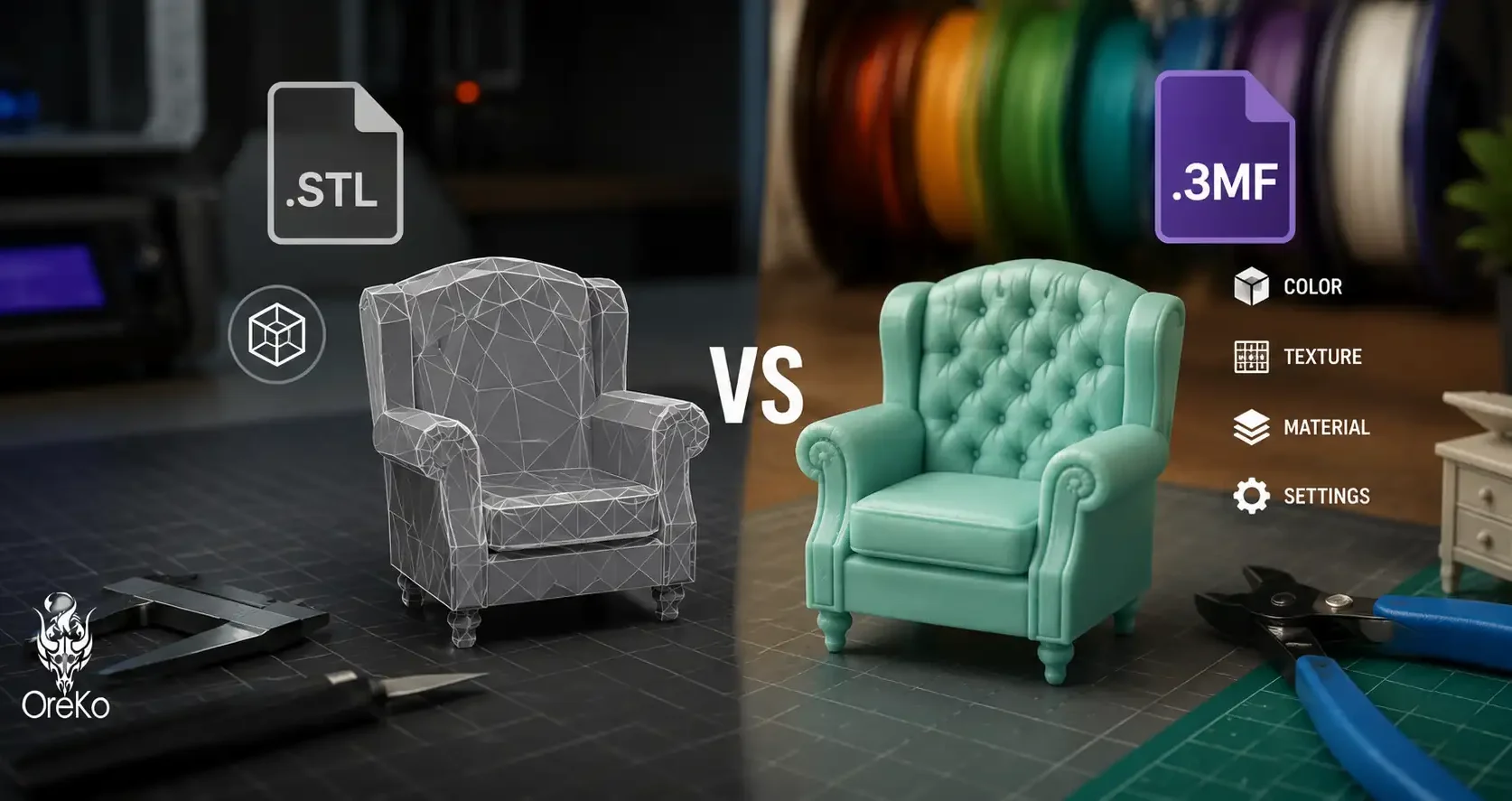
A 3MF file is a 3D model format that stores geometry, print settings, material information, and sometimes color data all in one package. It’s the newer alternative to STL and, for most modern FDM printing workflows, it’s the better format. This guide explains what 3MF contains, how it differs from STL, and when you’d choose one over the other.
What 3MF Contains vs STL
An STL file stores only the surface geometry of a 3D model as a mesh of triangles. No color, no texture, no print settings, no material data. It’s a pure geometry format that every slicer can read but provides no context about how to print it.
A 3MF file is a container format that holds the geometry plus: color and texture data, multiple objects in one file with correct positioning, printer-specific print settings (layer height, supports, infill), filament profiles, and metadata about the design intent. When you open an OreKo 3MF file in Bambu Studio, the slicer reads the embedded settings and pre-populates your profile automatically.
When to Use Each Format
Use STL when sharing files for universal compatibility, when uploading to platforms that only accept STL, or when the recipient uses a different slicer where your profile settings won’t apply. STL works with every slicer and every printer and will never have a compatibility issue.
Use 3MF when you want to bundle print settings with the model for Bambu Studio or PrusaSlicer users, when your model has multiple parts that need to be positioned relative to each other, or when you’re sharing a project where the settings are specific and tested. OreKo distributes 3MF format where possible so print settings open correctly without manual configuration.
More on how this format connects to the slicing process at the slicing guide.
Frequently Asked Questions: 3MF Files
What is the difference between STL and 3MF?
STL stores geometry only. 3MF stores geometry plus print settings, color data, multiple objects with positioning, and filament profiles. STL is universally compatible. 3MF is more feature-rich and works best with modern slicers that support the embedded settings.
Can I open a 3MF file in Bambu Studio?
Yes. Bambu Studio fully supports 3MF and reads embedded print settings from 3MF files automatically. It’s the recommended format for Bambu Lab printer users because settings open pre-configured.
Is 3MF better than STL?
For modern FDM workflows with Bambu Studio or PrusaSlicer, yes. For maximum compatibility across older software and non-standard printers, STL is safer. Most designers provide both formats. When in doubt, use the 3MF for its pre-configured settings and fall back to STL if compatibility issues arise.