
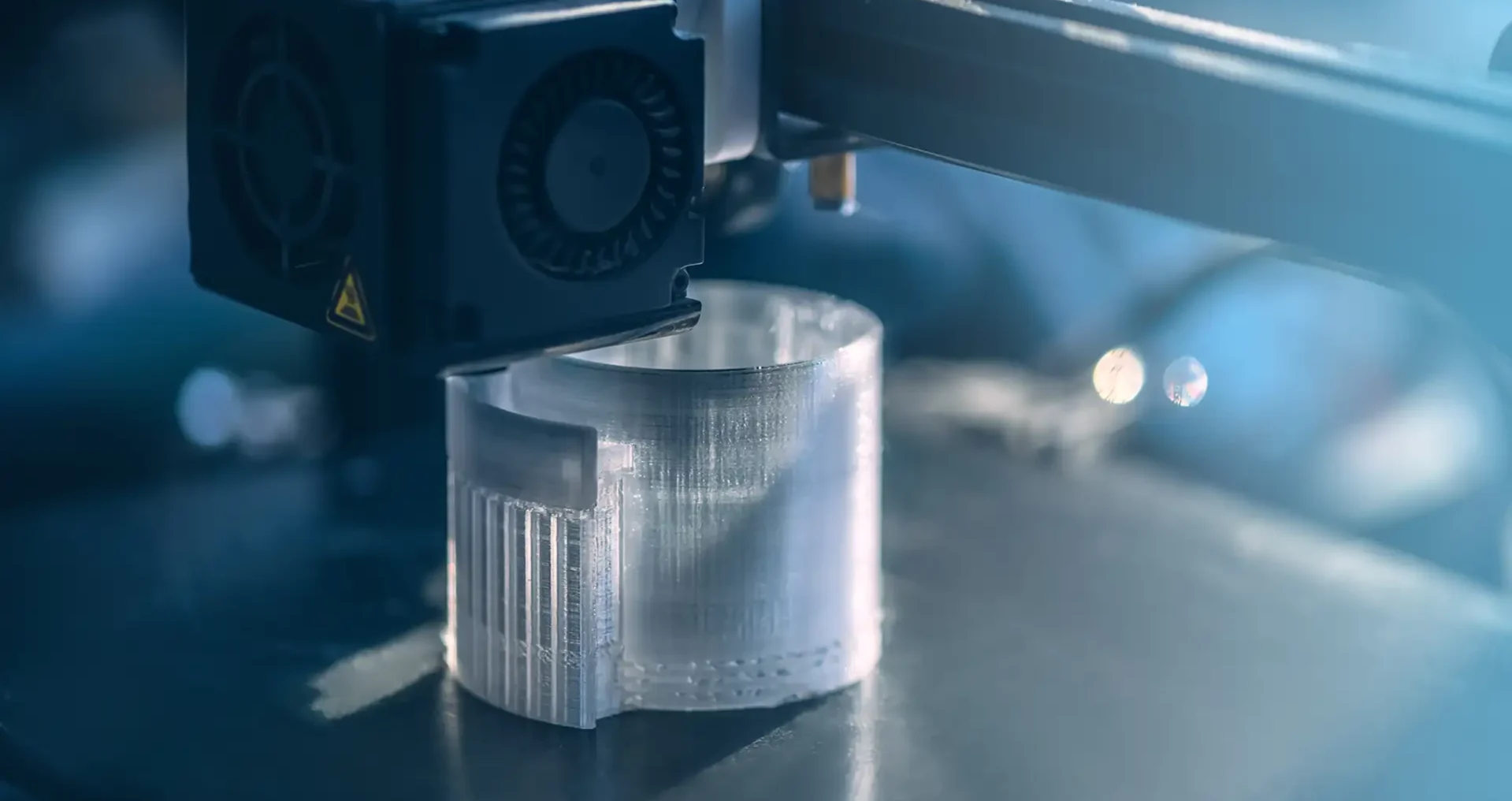
The Setting That Changes Everything
Layer height is one of the most important settings in your slicer. It controls how thick each individual layer of plastic is, and it has a direct effect on print quality, print time, and strength.
Change this one number and your prints look dramatically different. Here is everything you need to know to pick the right layer height for every job.
What Layer Height Actually Is
When your FDM printer deposits a layer of plastic, that layer has a specific thickness. That thickness is your layer height, measured in millimeters. Standard layer heights range from 0.08mm at the fine end to 0.32mm or higher at the fast end.
Thinner layers mean more layers to complete the print, which takes longer but produces smoother surfaces and sharper detail. Thicker layers mean fewer layers, faster prints, but visible stepping on curved surfaces and softer fine detail.
Your nozzle diameter sets an upper limit on layer height. A standard 0.4mm nozzle can typically print layers from 0.05mm up to around 0.35mm. Going beyond 75-80% of your nozzle diameter usually produces poor layer adhesion.
Layer Height Quick Reference
| Layer Height | Best For | Print Time Impact | Surface Quality |
| 0.08mm | Logo caps, coins, fine detail miniatures | Slowest | Excellent |
| 0.12mm | Deck box caps, fine architectural details | Slow | Very good |
| 0.16mm | Miniatures, decorative prints, good balance | Medium | Good |
| 0.20mm | Standard setting for most prints | Standard | Standard |
| 0.28mm | Large functional parts, prototypes, drafts | Fast | Visible layer lines |
| 0.32mm+ | Speed prints, large simple geometry | Fastest | Rough |
Why 0.20mm Is the Default Starting Point
0.20mm is the universal standard for a reason. It is half the diameter of a standard 0.4mm nozzle, which gives reliable layer adhesion while producing clean surface quality. Most beginner guides, printer manuals, and filament profiles default to 0.20mm because it works well on nearly every printer with nearly every filament.
For the vast majority of prints, including deck box bodies, mold frames, door signs, and most dollhouse furniture body pieces, 0.20mm is all you need. It is fast enough to be practical, detailed enough to look good, and forgiving enough that small calibration variations do not ruin the result.
All OreKo sample prints were made at 0.20mm unless a model specifically benefits from a finer setting.
When to Drop to 0.12mm or Lower
Finer layer heights are worth the extra time in specific situations:
Logo and artwork detail. The difference between 0.20mm and 0.08mm on a Jolly Roger cap or a Gear 5 sun design is striking. Fine raised features come out sharp at 0.08mm and look soft or blurred at 0.20mm.
Curved organic surfaces. On a rounded shape like the side of a miniature refrigerator, thinner layers reduce the visible stepping effect on curved geometry.
Miniature windows and architectural details. Working shutters, window frames, and thin wall sections benefit from finer layer heights that allow more accurate thin geometry.
Anything you plan to display. If a print will sit on a shelf and be viewed up close, the extra time at 0.12mm or 0.16mm pays off in visible quality.
Layer Height vs First Layer Height
Your first layer height is separate from your standard layer height and is often set higher, typically 0.2mm regardless of the rest of the print. A thicker first layer squishes more firmly onto the build plate, improving bed adhesion and reducing warping.
Do not confuse these two settings. You can print at 0.08mm layer height for maximum detail while still using a 0.2mm first layer for solid bed adhesion. Most slicers handle this automatically when you set your layer height, but it is worth checking your first layer settings are not being pulled down to match your standard layer height.
OreKo Recommended Settings by Model Type
Here is how we set layer height across the OreKo catalog:
Deck box body pieces: 0.20mm standard, 0.16mm for better outer wall quality
Logo caps and coin tops: 0.08mm for maximum logo sharpness
Dollhouse refrigerator body: 0.20mm standard, 0.16mm for detail sections
Miniature windows and shutters: 0.12mm recommended for working shutter pins and fine frame detail
Balcony railing posts: 0.16mm for clean post geometry
Mold box frame: 0.20mm is plenty, structural not decorative
Every OreKo product page lists the recommended layer height for that specific model.