3D Print Post Processing: From Print Bed to Finished Piece

What you do after the print finishes determines the final quality. Support removal, sanding, painting, and finishing techniques that make the difference between a raw print and a polished result.

Post Processing Starts the Moment the Print Finishes

The printer stops. The object is on the bed. What happens next depends on what you are making and how you want it to look. Some prints come off the bed ready to use. Others need support removal, cleanup, sanding, priming, and painting before they are finished.

Understanding the post-processing workflow lets you plan ahead — choosing filament, print settings, and model orientation with the finishing process in mind, not as an afterthought.

The Post Processing Stages

① Print Removal

Wait for the bed to cool before removing the print. PLA releases from a cooled PEI or glass surface easily. Forcing it while hot risks warping. Flex the build plate for magnetic PEI surfaces.

② Support Removal

If your print had supports, remove them with flush cutters, needle-nose pliers, or by hand. Well-designed models like all OreKo files print without supports, eliminating this step entirely.

③ Surface Prep

Sand rough areas, remove brim remnants, and clean up any stringing or zits with flush cutters or a craft knife. The amount of cleanup depends on print quality and model complexity.

④ Finishing

Prime, paint, seal, or leave as-is depending on the application. A raw PLA print in silk marble white needs no finishing for display. A cosplay prop needs painting and sealing for convention use.

Sanding FDM Prints

FDM prints have visible layer lines on curved and angled surfaces. Sanding removes these and creates a smooth surface for painting. The process works in stages from coarse to fine grit.

Start with 120-220 grit for aggressive material removal on rough areas and high spots. Move in consistent strokes along the surface.

Step up to 400 grit to refine the surface and remove scratches left by the coarser paper. Wet sanding at this stage (using water as a lubricant) gives cleaner results and reduces dust.

Finish with 800-1200 grit wet sanding for surfaces that will be painted. This creates the smooth base the primer needs to bond to cleanly.

For PLA specifically: work in short sessions. PLA has a low heat deflection temperature and can deform from the friction heat of extended sanding. Light touch, short strokes, and regular cooling breaks produce better results than aggressive continuous sanding.

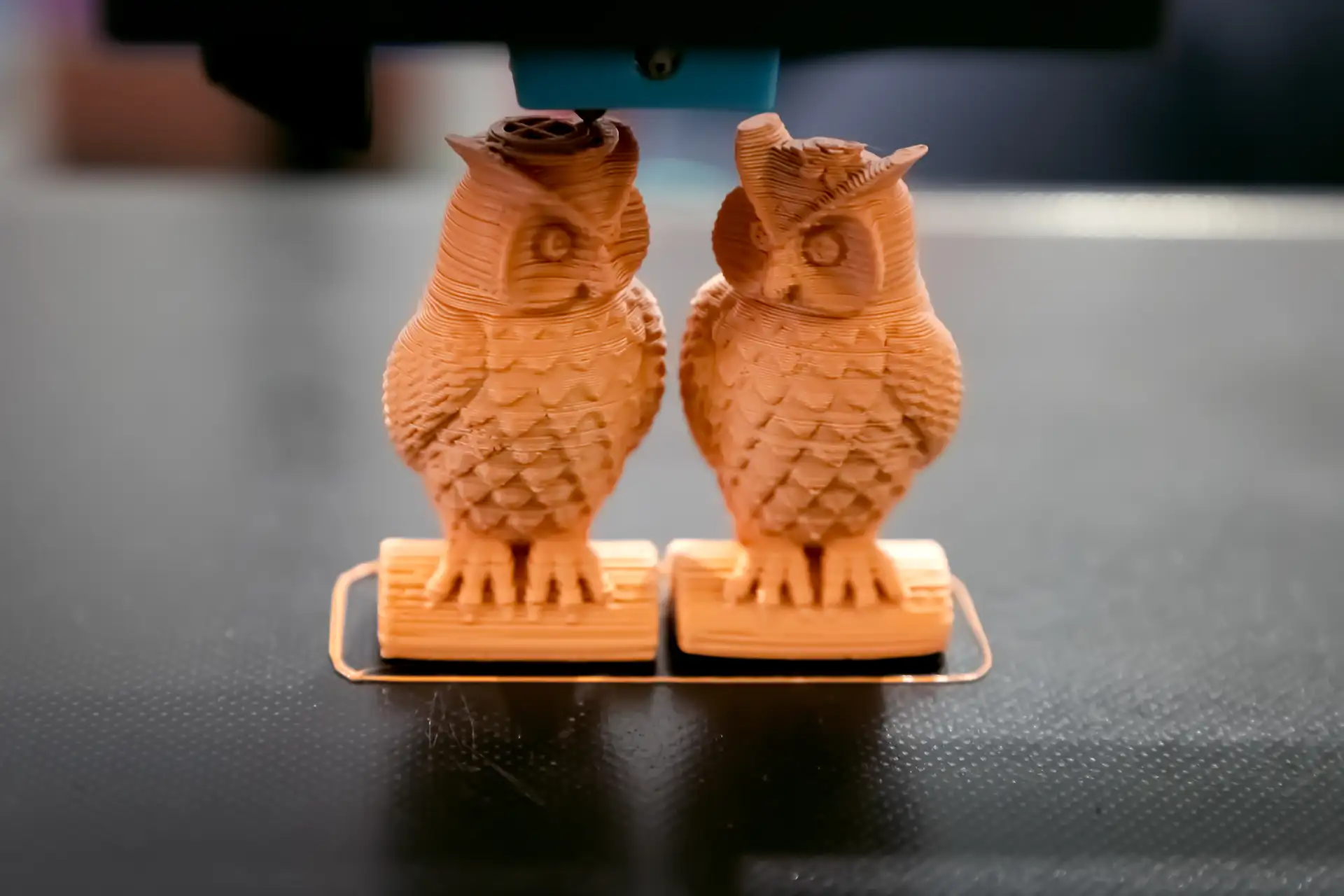
Two detailed 3D printed owl figurines sitting in a maker workspace

Filler Primer: The Game Changer

Sanding alone can take a long time to fully eliminate layer lines on complex curved surfaces. Filler primer is faster and more effective for most applications.

Spray two to three light coats of automotive filler primer (Rust-Oleum filler primer or equivalent). Let each coat dry fully. The primer fills micro-surface imperfections including minor layer lines and creates a uniform base for paint.

Lightly sand the primed surface with 800-grit wet sandpaper before applying the final color coat. The result is a surface that reads as injection-molded at normal viewing distance.

Painting 3D Prints

Acrylic paints bond well to primed PLA. The filament choice before printing affects how much work painting requires.

Start with Matte Filament

Matte PLA has a microscopically rough surface that primer and paint bond to naturally. If you know a print will be painted, starting with matte filament reduces prep work significantly. Silk PLA has a smooth surface that paint does not bond to as readily without sanding.

See our full guide: Why Matte Filament Is Best for Painted Prints.

Apply in Thin Coats

Multiple thin coats always produce better results than one heavy coat. A heavy coat of paint on a 3D print fills fine details, drips in recesses, and often peels once dry. Two to three thin coats that build up gradually create a durable, even finish.

Allow each coat to dry fully before the next. Rushing this is the most common cause of paint wrinkling and peeling on 3D prints.

Washes and Dry Brushing

For props and display pieces that need to look like real materials, washes and dry brushing create the illusion of depth and texture that flat paint cannot.

A wash is thinned dark paint applied over a lighter base and wiped away, leaving colour in recesses. Dry brushing is undiluted light paint applied on a nearly-dry brush dragged across raised surfaces. Together they make printed objects read as metal, stone, or aged material at viewing distance.

When Post Processing Is Not Needed

Not every print needs finishing. Many OreKo models look excellent straight off the printer in the right filament, and the best finishing is no finishing.

The Dollhouse Balcony Railing Set in silk marble white PLA comes off the bed looking like cast stone or wrought iron. No painting, no priming, no sanding. The sheen of silk PLA creates depth in the balustrade geometry that reads convincingly as a real architectural material.

The Lollipop Chainsaw chain links in metallic silver PETG come off the bed already looking like chain metal. A light dry-brush of gunmetal acrylic over matte black PLA gives the same result with more control.

Knowing when a print is done versus when it needs post processing is part of developing your eye for what each filament and print setting produces at the end of a job.

OreKo Models: Post Processing Optional

Most OreKo models look great straight off the printer. Download, print, and decide if you want to finish them further.