FDM 3D Printers: How They Work and Which to Choose
FDM is the most common type of 3D printing for home and hobby use. Here is how FDM printers work, what the hardware components do, and how to choose the right machine for your needs.

FDM is the most common type of 3D printing for home and hobby use. Here is how FDM printers work, what the hardware components do, and how to choose the right machine for your needs.
FDM stands for Fused Deposition Modeling. It is the technology behind almost every consumer 3D printer you will encounter. The process is straightforward: a spool of plastic filament feeds into a heated nozzle, melts, and gets deposited in precise paths on a build plate. Layer by layer, the object grows from the bottom up.
FDM printers are affordable, beginner-friendly, capable of printing large objects, and compatible with a wide range of filament materials. They are the right choice for the vast majority of hobbyist, maker, and small-business 3D printing applications.
For a deeper breakdown of how FDM works in plain English, including how it compares to resin and SLS printing, read the complete FDM 3D printing guide.
Understanding the hardware helps you troubleshoot problems and make informed purchase decisions.
The business end of the printer. Contains the heater block, thermistor, heat break, and nozzle. Melts the filament and deposits it in precise paths. Standard nozzle diameter is 0.4mm.
Feeds filament from the spool into the hot end at a controlled rate. Direct drive extruders mount the motor directly above the nozzle — better for flexible filaments. Bowden extruders use a tube to push filament from a remote motor — faster but less precise on flexibles.
The flat surface the print adheres to during printing. PEI-coated spring steel plates have become the standard on modern printers. Prints stick well when hot and release cleanly when the plate flexes after cooling. Bed adhesion starts here.
The mechanism that moves the print head in X, Y, and Z axes. CoreXY systems (used in Bambu Lab and Voron printers) move both X and Y simultaneously with fixed belts for high-speed accuracy. Cartesian systems move the bed in one axis and the head in another, simpler but slower.
The brain of the printer. Runs the firmware, interprets G-code, controls all motors, manages temperatures, and handles communication with the slicer software. Modern boards run 32-bit processors for smooth movement and advanced features.
Automatic Material System — Bambu Lab’s multi-filament loader. Holds up to four spools and switches between them automatically during a print. Enables multi-color and multi-material prints on a single printer without manual filament changes. Optional on most Bambu machines.
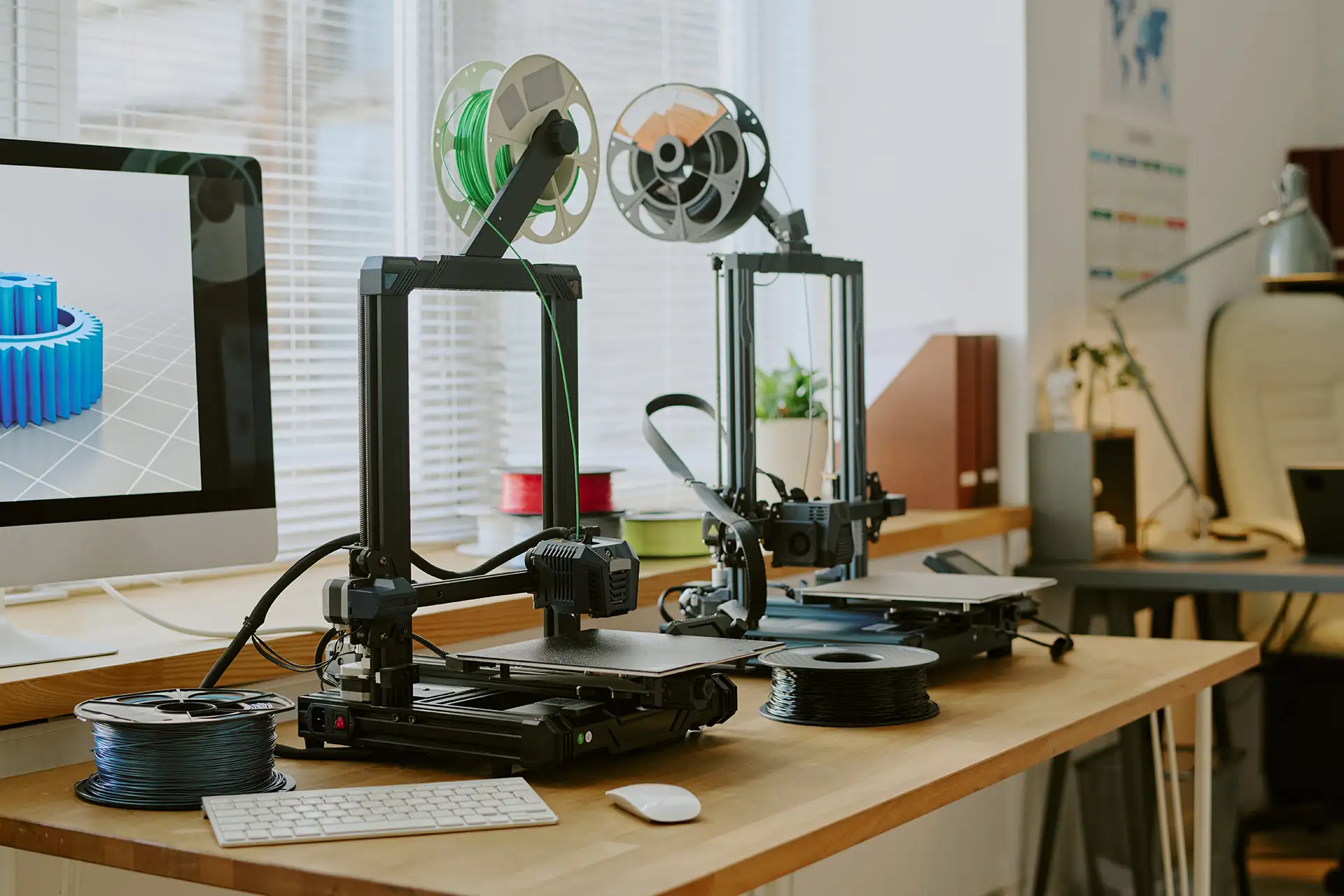
The original FDM format. The build plate moves in the Y axis, the print head moves in X and Z. Simple, reliable, and easy to maintain. The Creality Ender 3 is the most famous example. Suitable for slow-to-moderate print speeds. Heavier beds limit maximum speed.
The print head moves in both X and Y, the bed only moves in Z. Much faster than Cartesian for the same quality level because there is no heavy bed moving at speed. Used in Bambu Lab, Voron, and Ratrig printers. The design of choice for modern high-speed FDM printing.
Three arms connected at the top of a tall frame move the print head. Very fast for tall prints. Less common in consumer machines but still used in some niche applications. More complex to calibrate.
Enclosed printers maintain a warm internal temperature, critical for printing materials like ABS and ASA that warp when exposed to drafts. PLA and PETG print fine on open-frame machines. Bambu Lab X1C and P1S are enclosed. The A1 and A1 Mini are open.
A summary of the most common FDM printer categories and who they are right for.
| Category | Examples | Best For | Price Range |
| Entry Level | Creality Ender 3, Bambu A1 Mini | Beginners, hobbyists, PLA/PETG printing | $200-$400 |
| Mid Range | Bambu A1, Prusa MK4 | Active hobbyists, multi-material, higher volume | $400-$700 |
| High Performance | Bambu X1C, Bambu P1S | Power users, engineering materials, enclosed printing | $800-$1,400 |
| Speed-Focused | Bambu H2D, Bambu P2S | High volume, speed-critical production | $1,000+ |
Every model in the OreKo catalog is designed and tested on Bambu Lab FDM printers — primarily the X1C and A1. The included 3MF files are pre-configured for Bambu Studio. The STL files work on any FDM printer.
If you are choosing a first printer and plan to print OreKo models, the Bambu Lab A1 Mini is our recommendation. Automatic calibration, excellent print quality, and a workflow that matches the way OreKo files are set up. Read the full review: Bambu Lab A1 Mini Review.
All OreKo STL files work on any FDM printer. Bambu 3MF files are pre-configured for Bambu Studio.