Resin 3D Printing: SLA and MSLA Explained
Resin printers produce exceptional surface detail. Here is how they work, what they are best for, and what makes them different from FDM.

Resin printers produce exceptional surface detail. Here is how they work, what they are best for, and what makes them different from FDM.
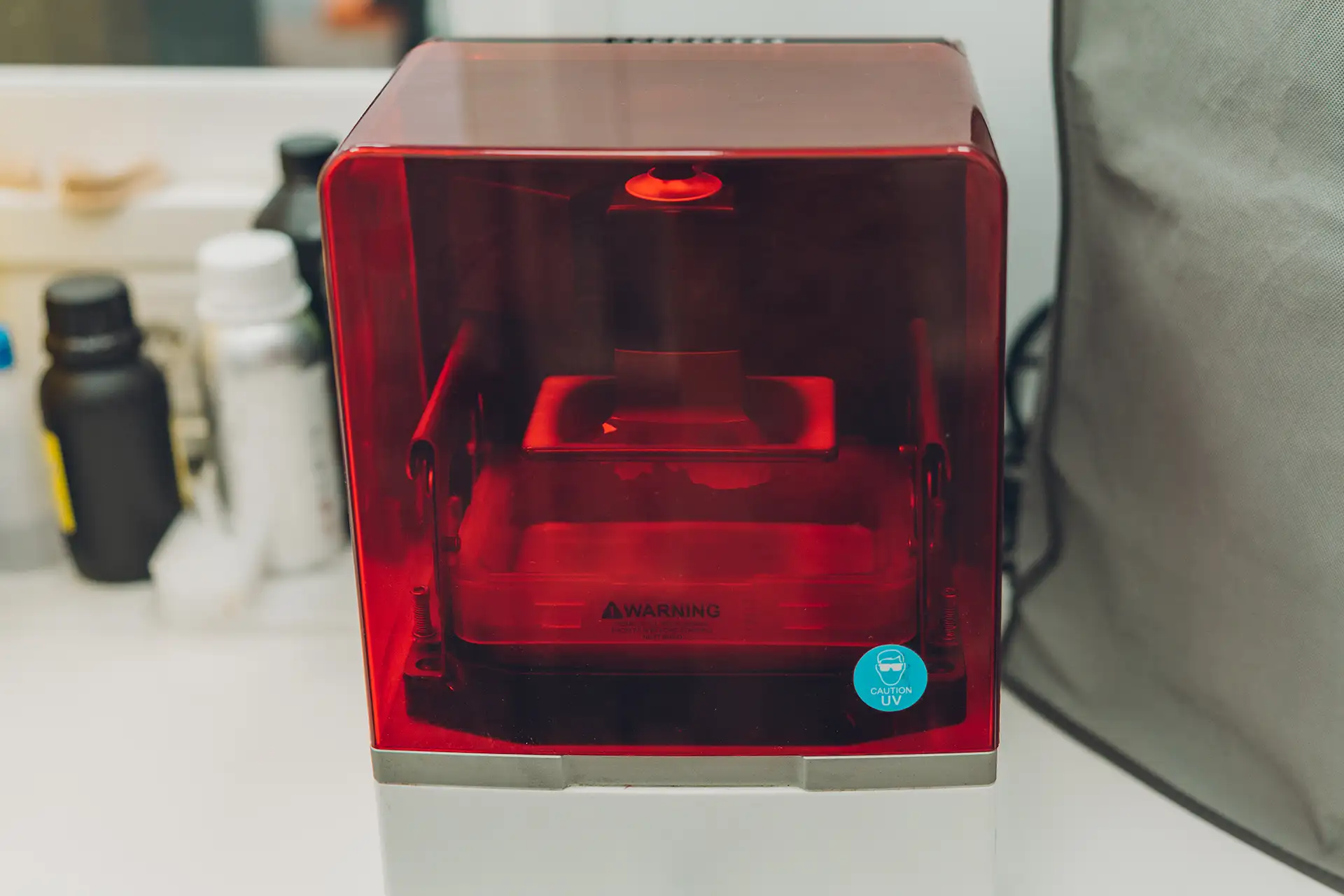
Resin printers use ultraviolet light to cure liquid photopolymer resin into solid form. Instead of melting and depositing material like FDM, a resin printer exposes the liquid resin to UV light one layer at a time. Where the light hits, the resin cures and solidifies. Where it does not, the resin stays liquid and drains away.
The build platform is submerged in the resin tank and rises incrementally after each layer cures. The finished print emerges from the resin covered in uncured liquid, requiring a post-processing wash and cure step before handling.
The original resin printing technology. A laser traces each layer point-by-point across the resin surface. High accuracy and excellent surface quality. Slower than MSLA because the laser cures one small area at a time.
SLA machines tend to be larger and more expensive. Common in professional and dental settings where extreme dimensional accuracy is required. Less common in consumer-level equipment.
Uses an LCD screen as a mask to expose the entire layer at once. Much faster than SLA because every point in a layer cures simultaneously. The vast majority of affordable consumer resin printers use MSLA technology.
Machines like the Elegoo Mars and Anycubic Photon series are MSLA printers. Quality has improved dramatically in recent years and modern MSLA printers produce results that rival SLA at a fraction of the cost.
Resin printing produces a fundamentally smoother surface than FDM at the same layer height. Because the light cures the material rather than depositing it in lines, there are no toolpath-related surface artefacts. Fine details like facial features on miniature figures, gemstone facets on jewelry models, and text at small scales are sharper in resin than in FDM.
Tabletop gaming miniatures are the clearest use case for consumer resin printing. A 28mm figure printed in resin looks painted. The same figure in FDM at 0.08mm looks printed. For character detail at that scale, resin wins decisively.
The dimensional accuracy of resin printing makes it the technology of choice for dental models, jewelry casting masters, and engineering prototypes where surface finish and tight tolerances are critical.
| Factor | FDM | Resin (MSLA) |
| Surface quality | Good to excellent (0.08mm) | Excellent |
| Fine detail | Good | Excellent |
| Print size | Large (200-350mm+) | Small-medium (130-200mm) |
| Post processing | Minimal | Wash and cure required |
| Ventilation needed | Not required | Required — resin fumes are toxic |
| Material cost | Low ($15-25/kg PLA) | Moderate ($25-50/litre) |
| Beginner friendliness | High | Moderate |
Liquid resin is a skin irritant and the fumes are harmful with extended exposure. Safe resin printing requires nitrile gloves when handling uncured resin, a well-ventilated workspace (ideally with a dedicated air filtration setup), and proper disposal of waste resin and wash solvent.
Cured resin is inert and safe to handle. Uncured resin and IPA wash solvent should not go down the drain. Cure leftover resin with sunlight or a UV lamp before disposal.
FDM printing with PLA has none of these requirements. For beginners, FDM is the lower-friction entry point. Resin is a step up in complexity that pays off in specific applications.
All OreKo files are designed and tested on FDM printers. STL files are compatible with resin printing where geometry allows.