Bambu Lab 3D Printers a Complete Model Guide
Every printer in the Bambu Lab lineup explained. Specs, pricing, variants, and who each model is best for starting from the $299+ A1 Mini to the professional H Series.

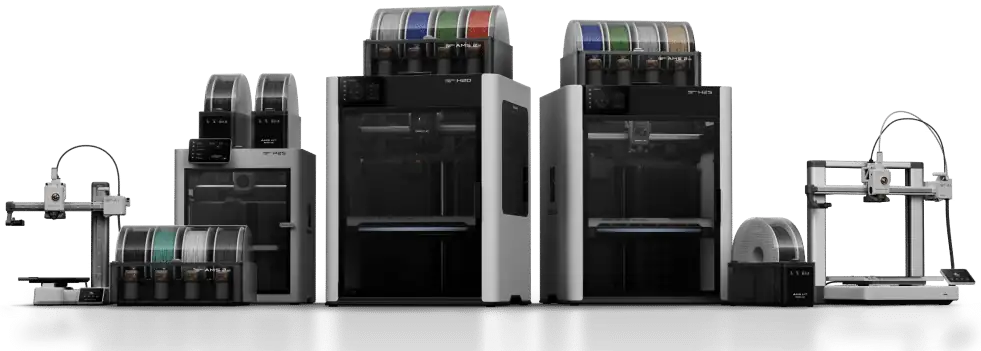
Every printer in the Bambu Lab lineup explained. Specs, pricing, variants, and who each model is best for starting from the $299+ A1 Mini to the professional H Series.
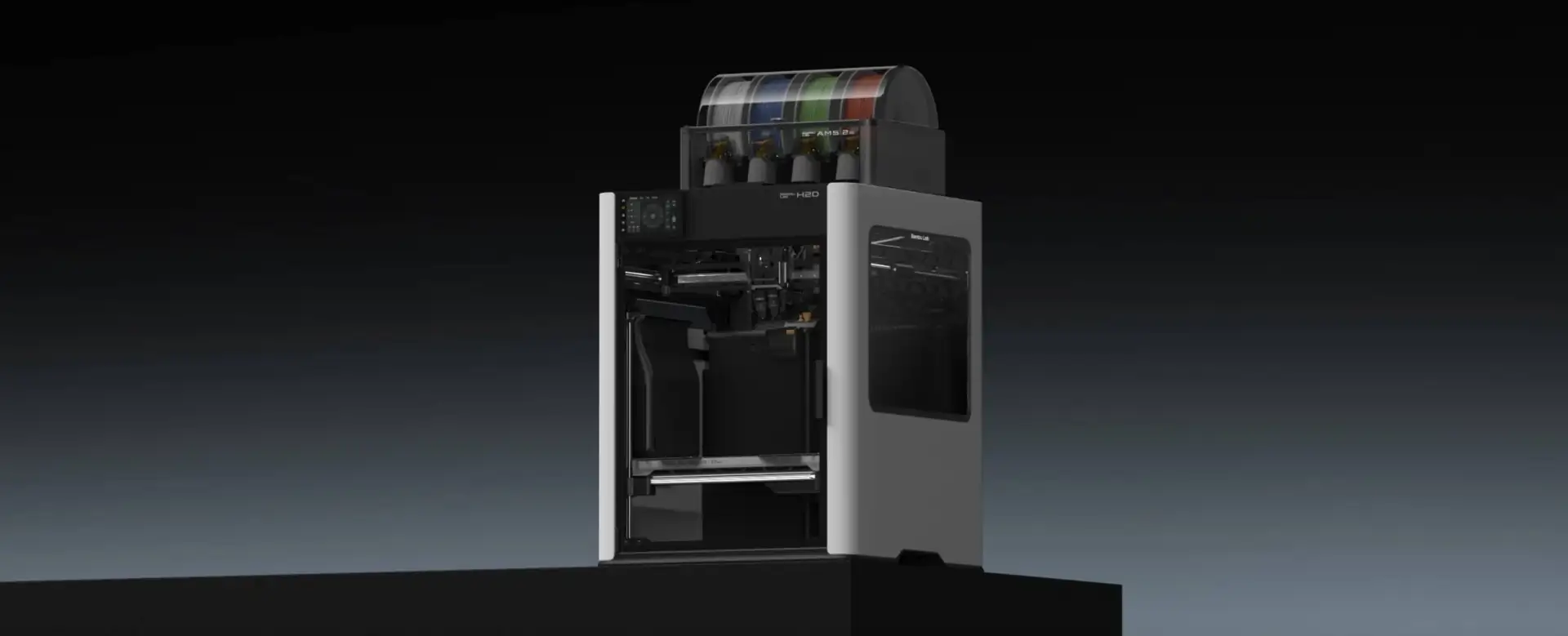
The H Series is Bambu’s professional tier. All three models share a large enclosed chassis with active chamber heating to 65°C, making them capable of engineering materials like ABS, ASA, PA, PC, and carbon-fiber composites. Build volumes are the largest Bambu offers on any desktop machine.
The three models differ in how they handle multiple materials: the H2S uses AMS purge towers, the H2D runs two independent nozzles simultaneously with near-zero waste, and the H2C uses an 8-hotend Vortek tool-changer for production multi-color work.
Formerly also included: H2D Pro a premium configuration of the H2D available as a configure-to-order option at $3,799+.
The H2S is the entry point into the H Series. It shares the same large chassis and heated chamber as the H2D and H2C but uses a single direct-drive extruder. Multi-color printing works through the AMS with a purge tower, the same workflow as the P and A series. If you need H-series build volume and heated chamber capability without the cost of dual nozzles, this is the budget path in.
Makers who need large-format, high-temperature printing at the lowest H-series entry price. Good for engineering prototypes, large functional parts, and big single or dual-color prints.
Anyone who needs simultaneous dual-material printing with no purge waste this steps up to the H2D. Anyone focused on multi-color detail work, the H2C is the better tool.
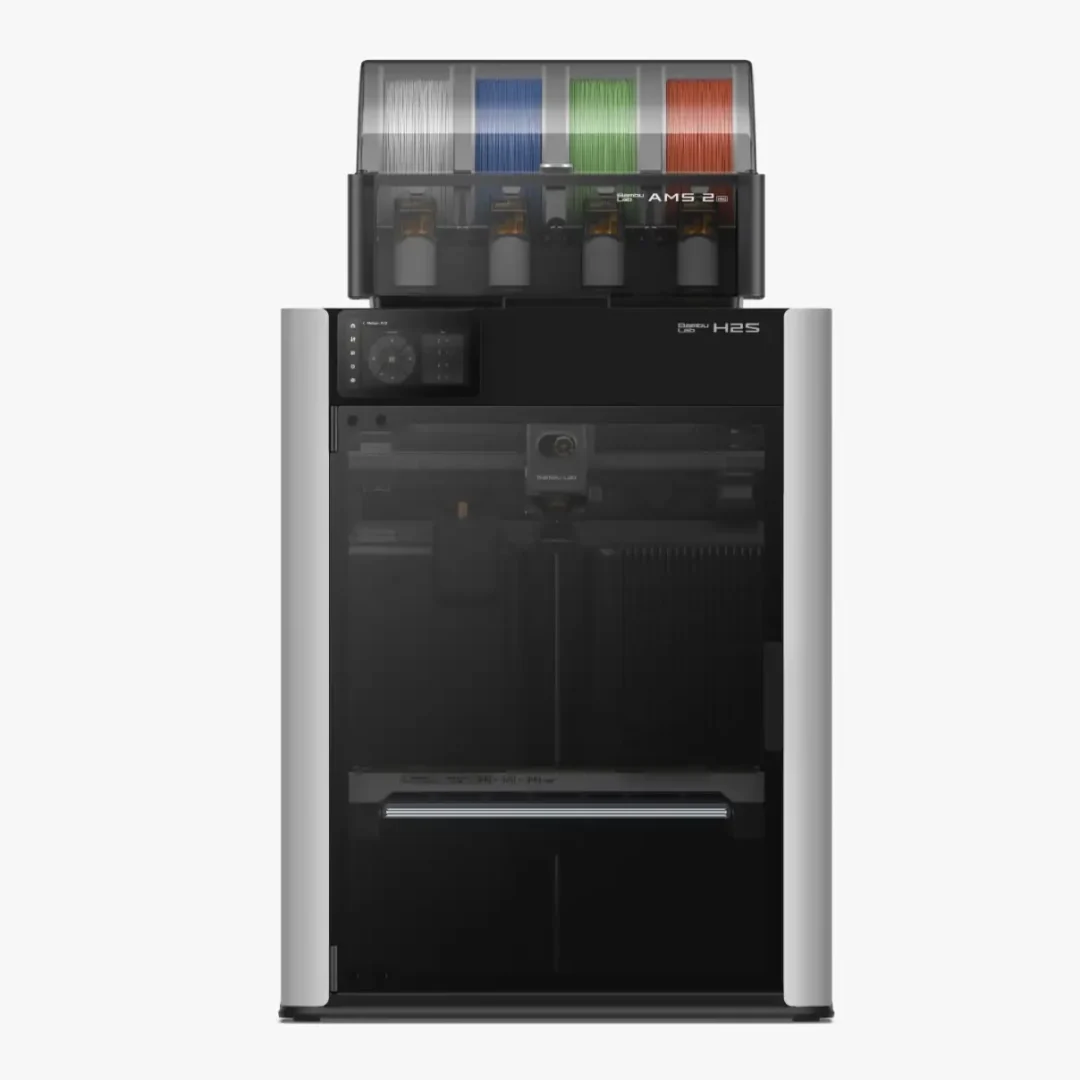
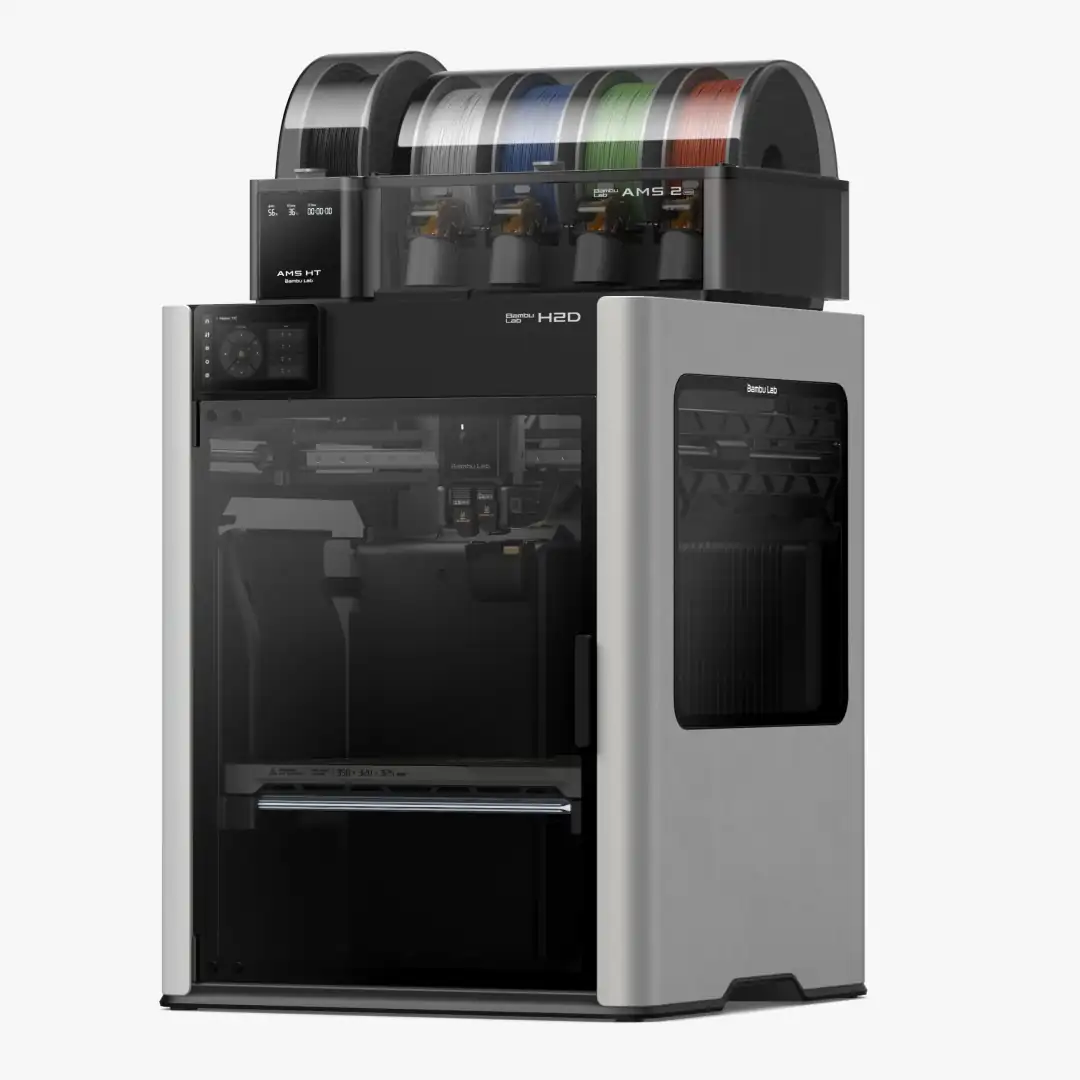
The H2D is the H-series sweet spot for most serious makers and small business owners. Its defining feature is full IDEX, two completely independent direct-drive extruders on separate carriages. Both nozzles print simultaneously, so you can run a build material in one and soluble PVA support in the other with near-zero purge waste. Optional laser modules turn it into a cutting and engraving machine as well as a printer.
Engineers and prosumers printing in ABS, ASA, PA, PC, or carbon-fiber filaments. Anyone who regularly uses soluble PVA supports and needs clean removal without wasted material. Makers who want an all-in-one fabrication system with laser capability.
Makers whose primary goal is maximum color variety the H2C handles that more efficiently. Budget-sensitive buyers, the P2S or X2D deliver quality printing at a fraction of the cost.
The H2C is built for production-level multi-color printing. Where the H2D uses two fixed nozzles, the H2C replaces the print head with the Vortek tool-changer a system that automatically swaps between up to 8 different induction hotends mid-print. Each hotend can carry a different material or nozzle size. The result is dramatically less purge waste than any AMS-based system. H2D and H2S owners can upgrade without buying a new machine.
Small businesses and dedicated hobbyists printing anime figures, cosplay props, architectural models, and game terrain where maximum color variety and minimal waste are the priority. The upgrade kit makes this accessible to existing H-series owners.
Anyone printing primarily in one or two materials the H2D handles that more efficiently at lower cost. First-time buyers start with the A or P series and grow into this tier.
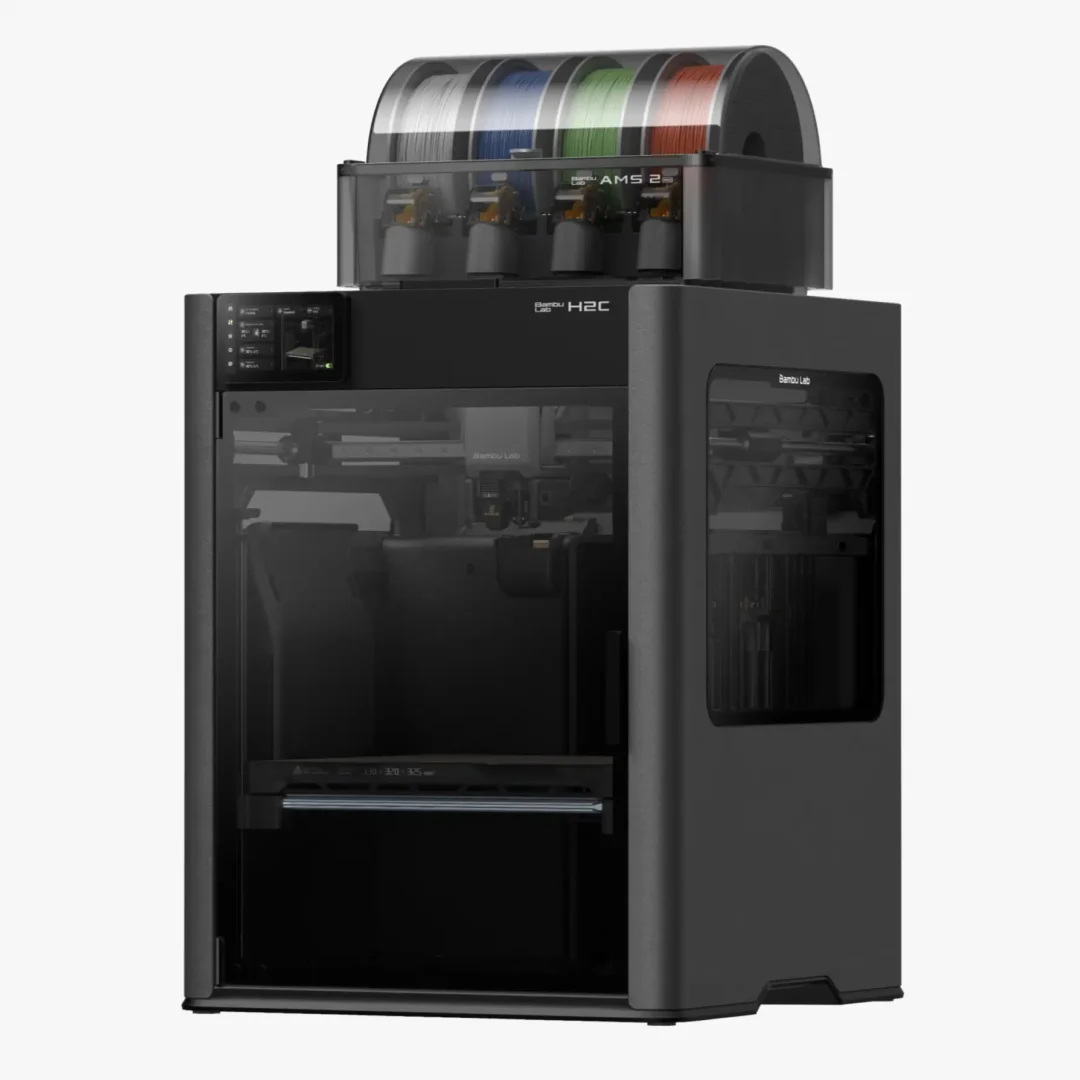
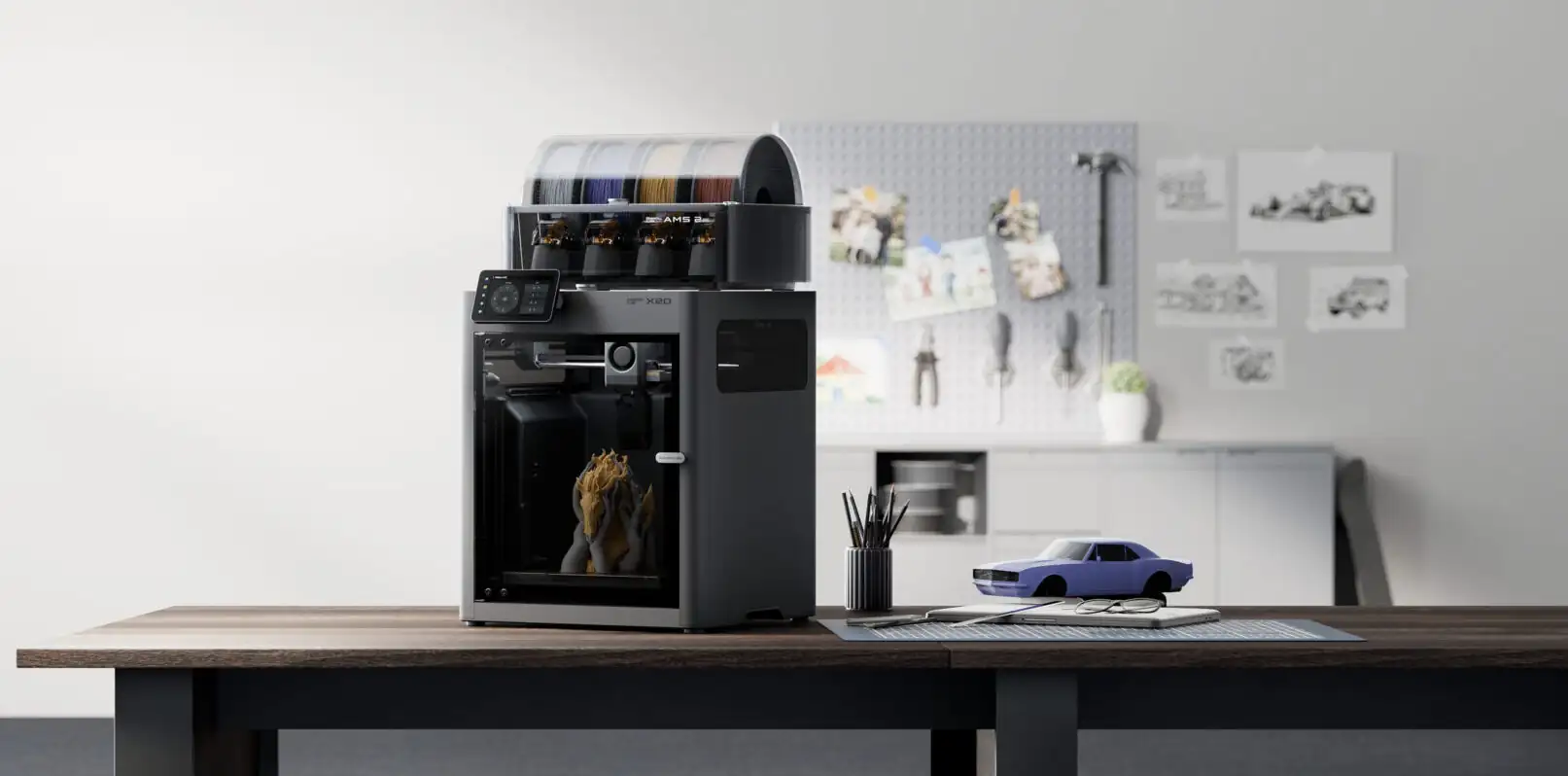
The X Series sits between the P and H series enclosed, capable of engineering materials, and now featuring dual extrusion as standard. The X2D launched April 2026 and replaced the entire X1 lineup, bringing two-material capability to a compact footprint at a genuinely accessible price.
Formerly also included: X1 Carbon and X1E. Both are officially discontinued as of 2026. Refurbished X1C units remain available from authorized resellers, still an excellent machine, but new buyers should look at the X2D instead.
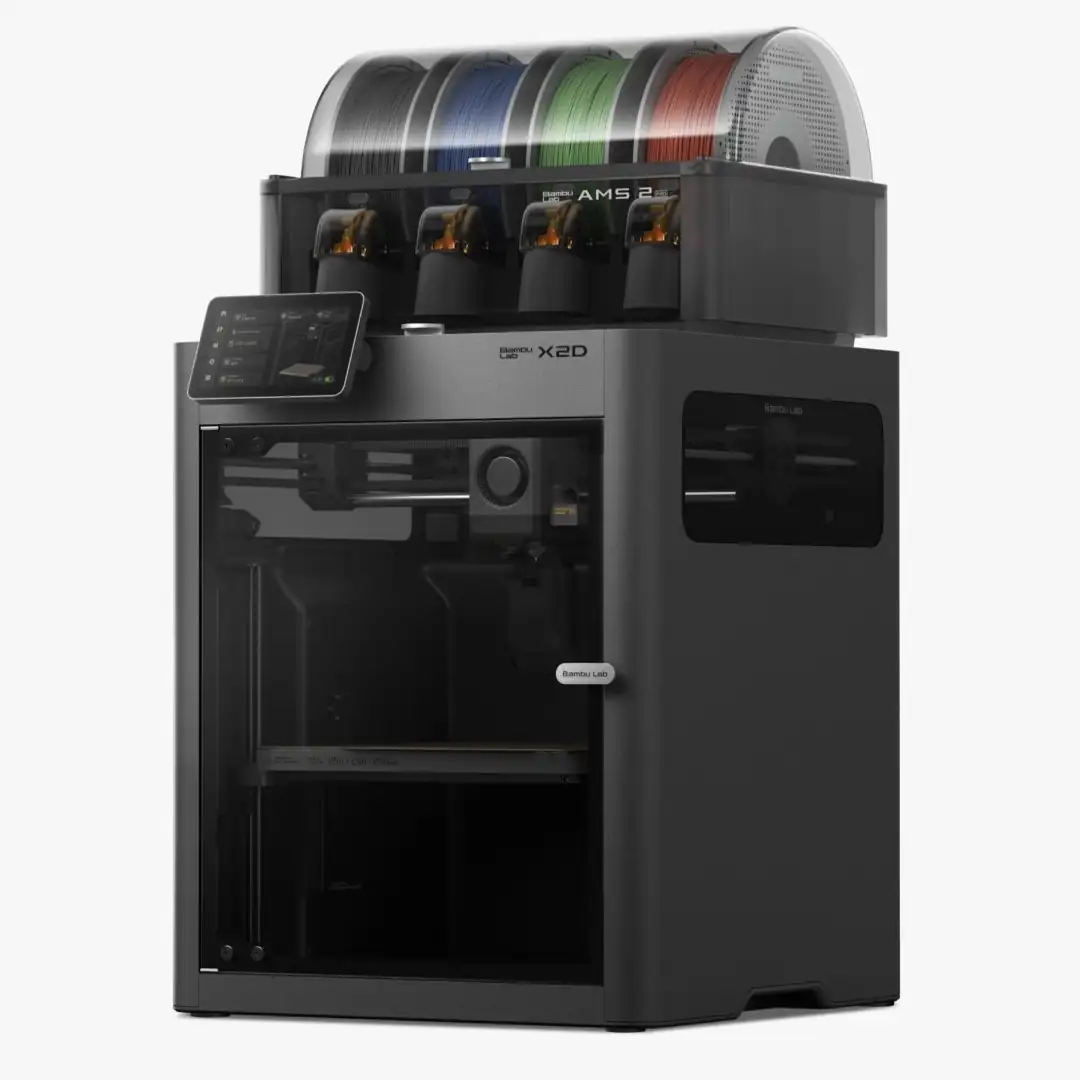
The X2D is the most accessible dual-extrusion machine Bambu has ever made. Launched April 2026, it packs H2-generation sensors, a toolhead camera with AI oversight, an actively heated chamber, and dual nozzles into the X1C’s compact body. One direct-drive nozzle handles fast printing up to 1,000mm/s. One bowden-fed auxiliary nozzle feeds support material or accent color. It is not the full IDEX system of the H2D, but for the vast majority of two-material workflows it does everything you need.
Makers who want dual-material printing soluble supports, two-color designs, multi-material functional parts without the H-series budget or footprint. A strong upgrade path for P1S and A1 owners who have outgrown single-material limitations.
Makers who only print in one material the P2S delivers similar single-material performance for $100 less. Anyone who needs more than two materials look at the H2C.
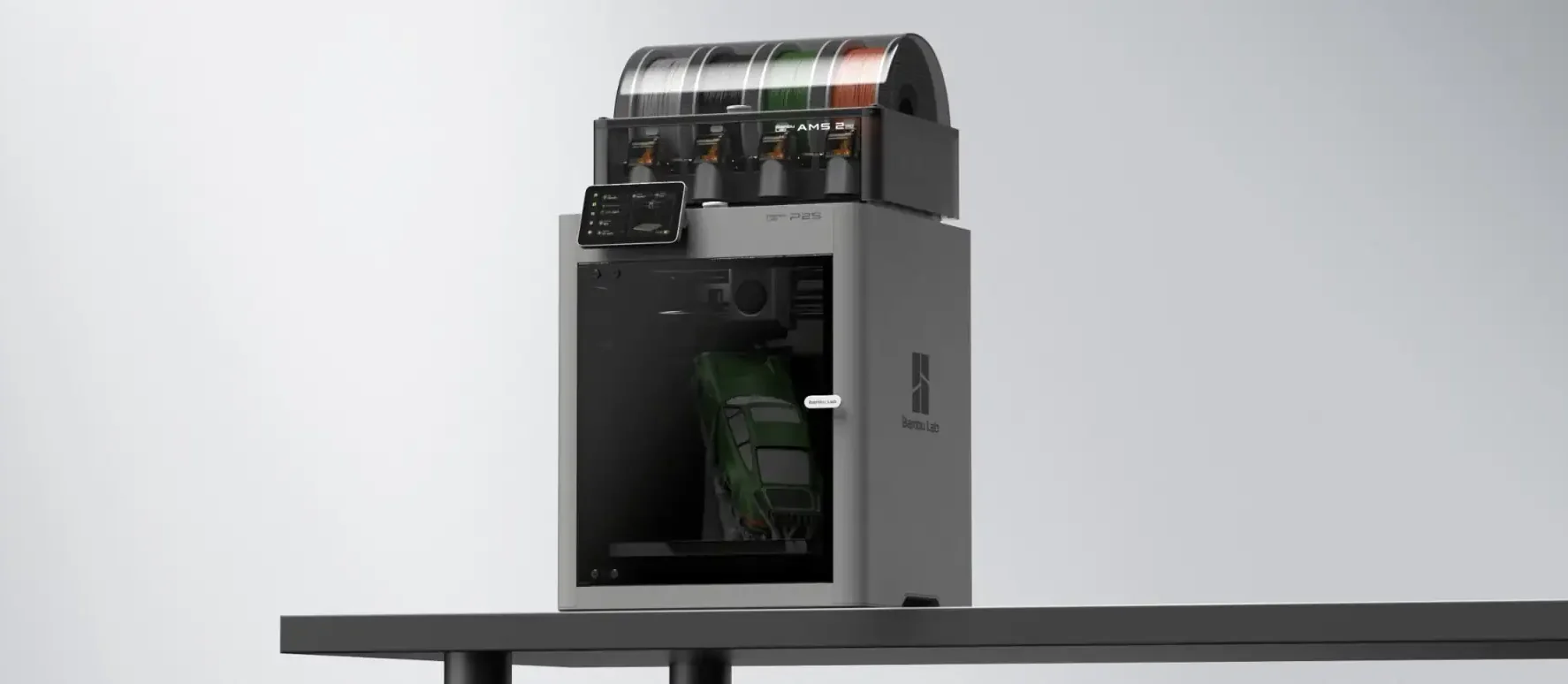
The P Series is Bambu’s enclosed workhorse tier for serious hobbyists and small print farms. Both models use an enclosed CoreXY design that handles ABS, ASA, and other materials that warp on open-frame machines. If you want reliable, fast, enclosed printing without stepping up to the X or H series budget, the P series is where to look.
Formerly also included: P1P (open-frame version of the P1S). The P1P reached end-of-life on February 10, 2026. Firmware support continues to 2029. Any P1P listing now is existing reseller stock.
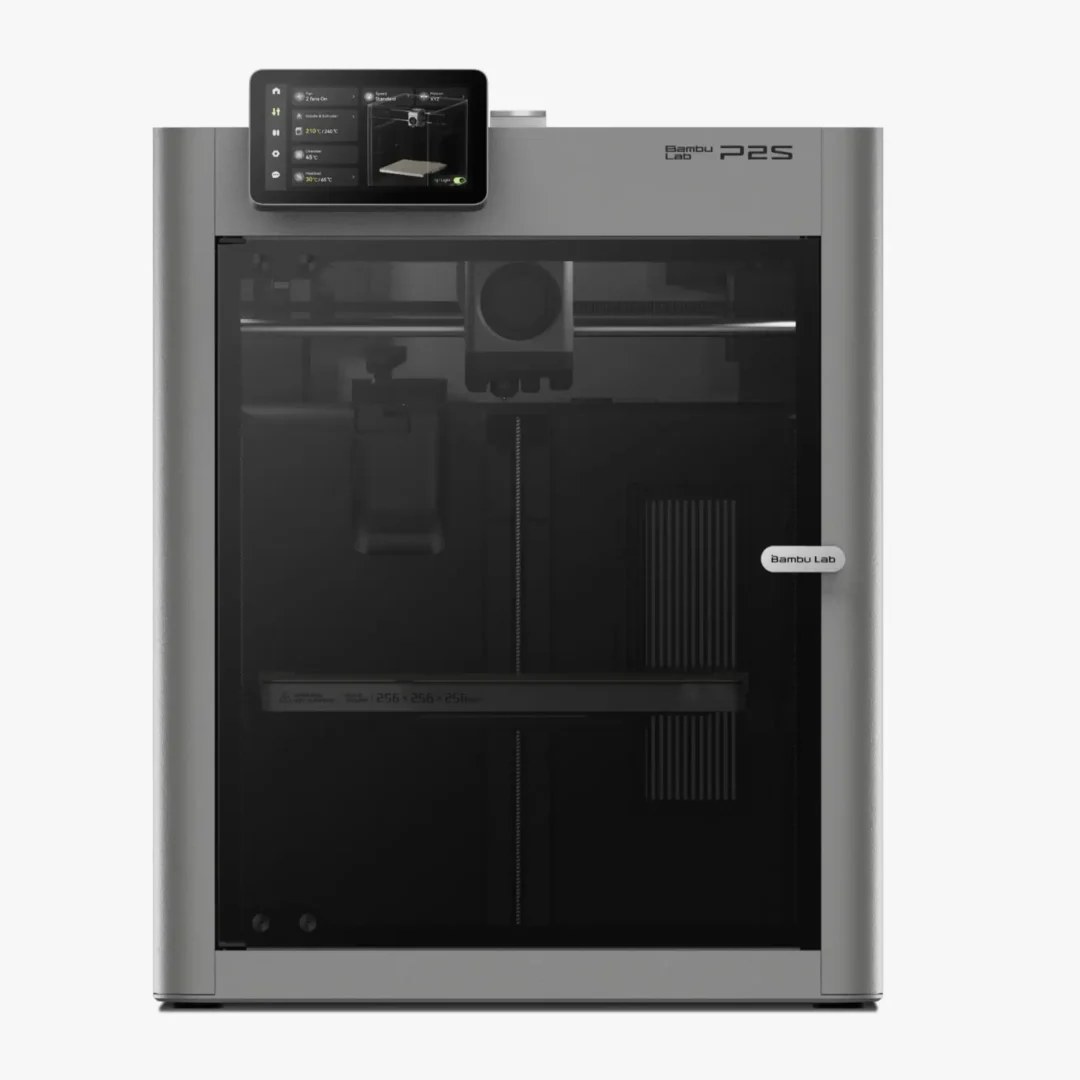
The P2S launched late 2025 as the next generation of the P1S. It keeps the same 256mm enclosed CoreXY footprint but upgrades almost everything inside the PMSM servo extruder with 70% more extrusion force than the P1S, Active Airflow chamber management, 1080p timelapse camera, 5-inch touchscreen, and native AMS 2 Pro support. It also handles TPU reliably, which was a weak point on previous Bambu models. For serious hobbyists or small print farms wanting the best single-nozzle enclosed machine in the lineup, this is it.
Makers upgrading from an A1 or A1 Mini who want enclosure and broader material support. Small print farms that need consistent quality at volume. Anyone printing ABS or ASA regularly without the X2D budget.
Complete beginners, the A1 Mini is easier and $250 cheaper. Makers who need dual extrusion, the X2D is the next logical step. Anyone needing more than 256mm build volume.
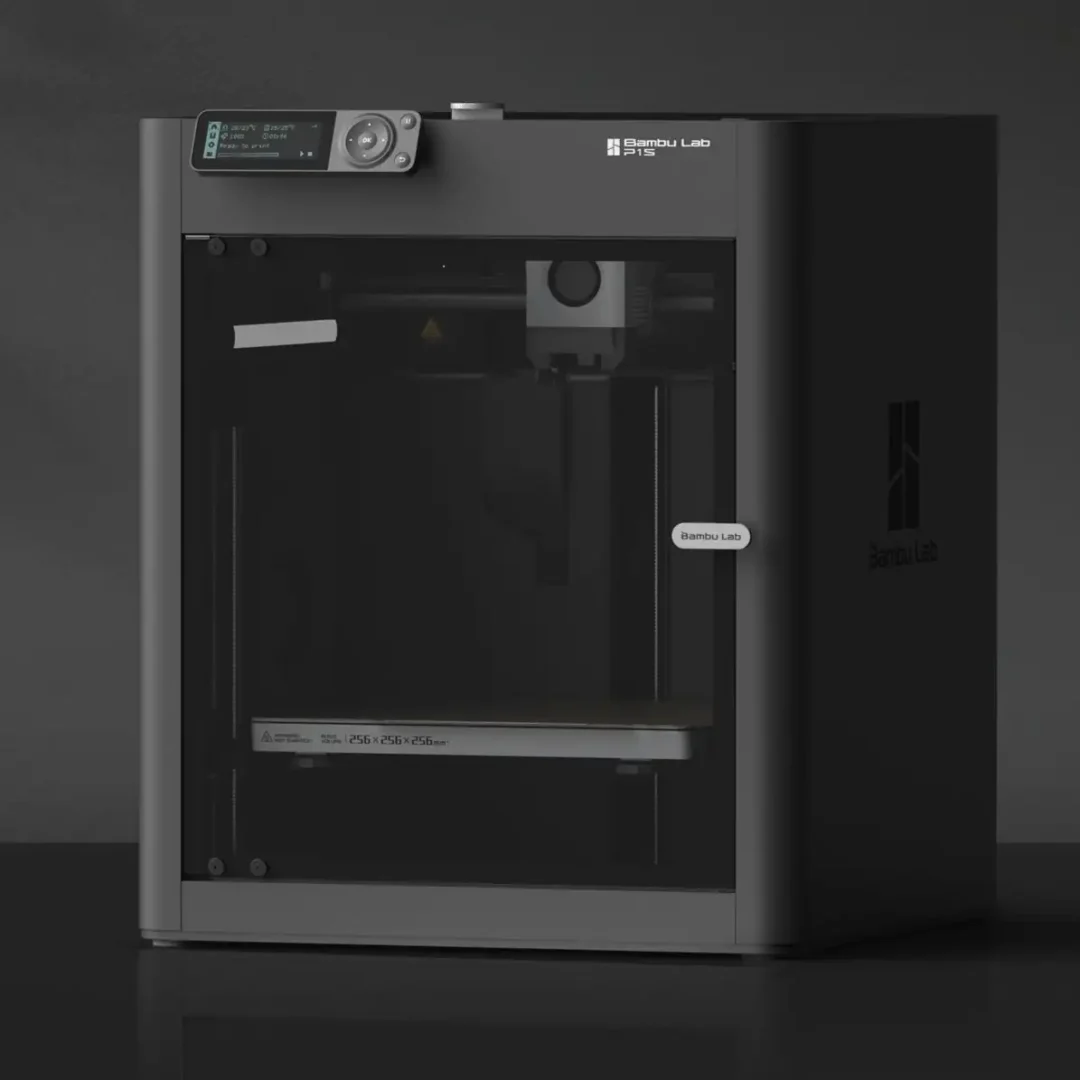
The P1S defined the Bambu prosumer tier for two years, and it is still a capable machine at its current discounted price. It is being phased out as the P2S takes over, which means proven hardware at clearance pricing. Enclosed, AMS compatible, and reliable the P1S handles ABS, ASA, and PETG without issue. If budget is the priority and the P2S servo extruder and 1080p camera are not dealbreakers, the P1S delivers the same core printing experience for $150 less.
Budget-conscious buyers who want an enclosed machine. Good value while stock lasts the P1S sells out across retailers before the end of 2026.
Anyone buying for the long term, the P2S is worth the extra $150. If you are not on a strict budget, buy the P2S.
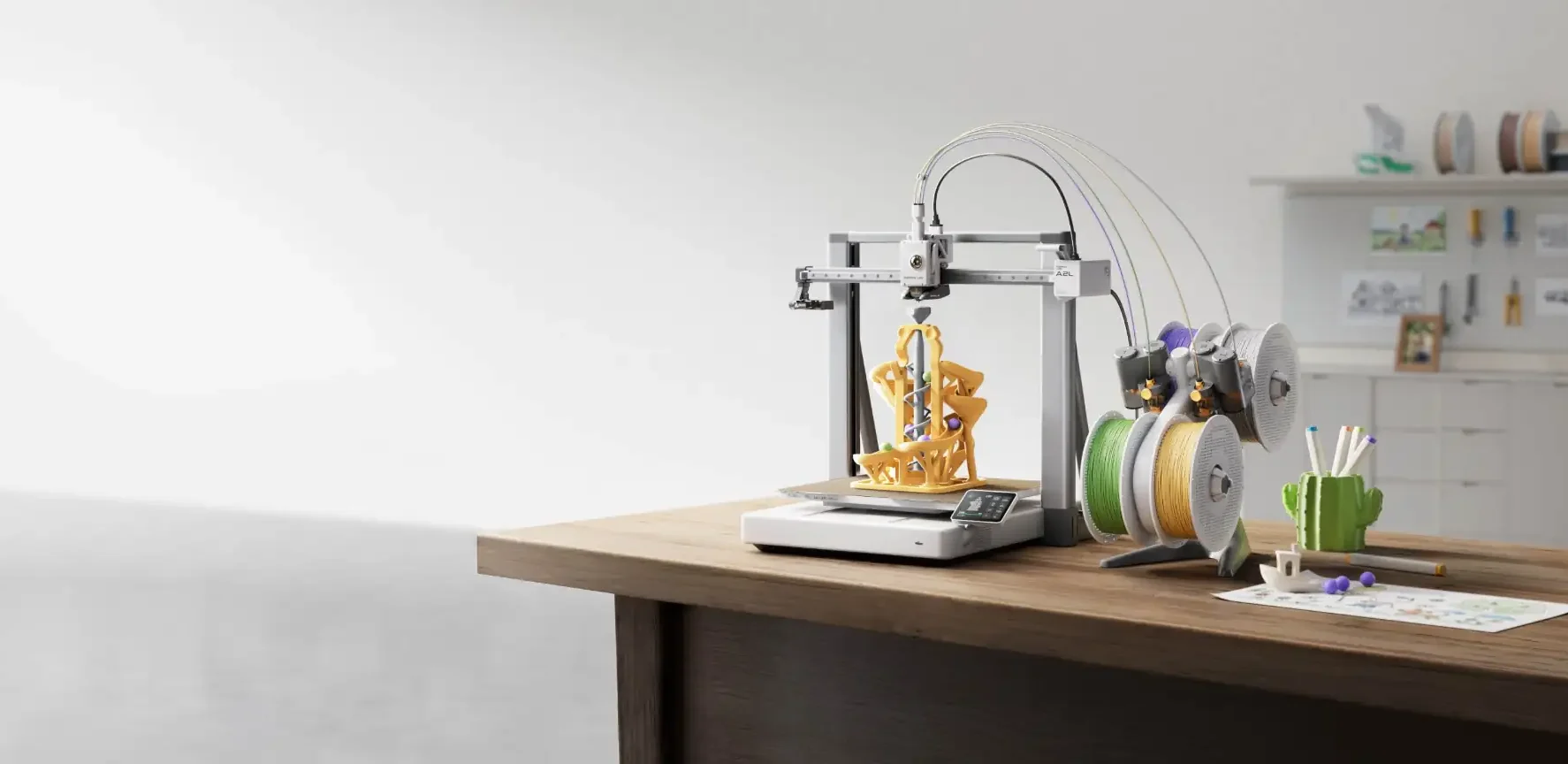
The A Series is where most people start with Bambu Lab. Open-frame design, competitive pricing, and AMS Lite compatibility make these machines approachable without sacrificing Bambu’s speed and print quality. Three models cover the range: the A1 Mini for beginners and compact setups, the A1 for general all-purpose printing, and the A2L launched June 1, 2026 for large-format projects that previously required splitting into multiple pieces.
The A2L launched June 1, 2026, and fills a gap that has existed in the A Series since launch: large-format printing at an accessible price. Its 330 × 320 × 325mm build volume is 105% larger than the standard 256mm machines. Cosplay armor, large terrain pieces, architectural models, and oversized props that used to require splitting and gluing now print as single pieces. It runs the same open-frame design as the A1 and uses AMS Lite for multi-color. An optional Cutting Module adds blade cutting and pen plotting for mixed-media projects.
OreKo has a full breakdown of the A2L launch: Bambu Lab A2L First Look
Makers who regularly hit the limits of a 256mm print bed. Cosplay builders, terrain makers, prop designers, and anyone printing large functional objects that previously required splitting. The most affordable large-format Bambu available.
Engineering material printing, no enclosure means ABS and ASA will warp on large prints. Makers who need dual extrusion, the X2D is the better choice.
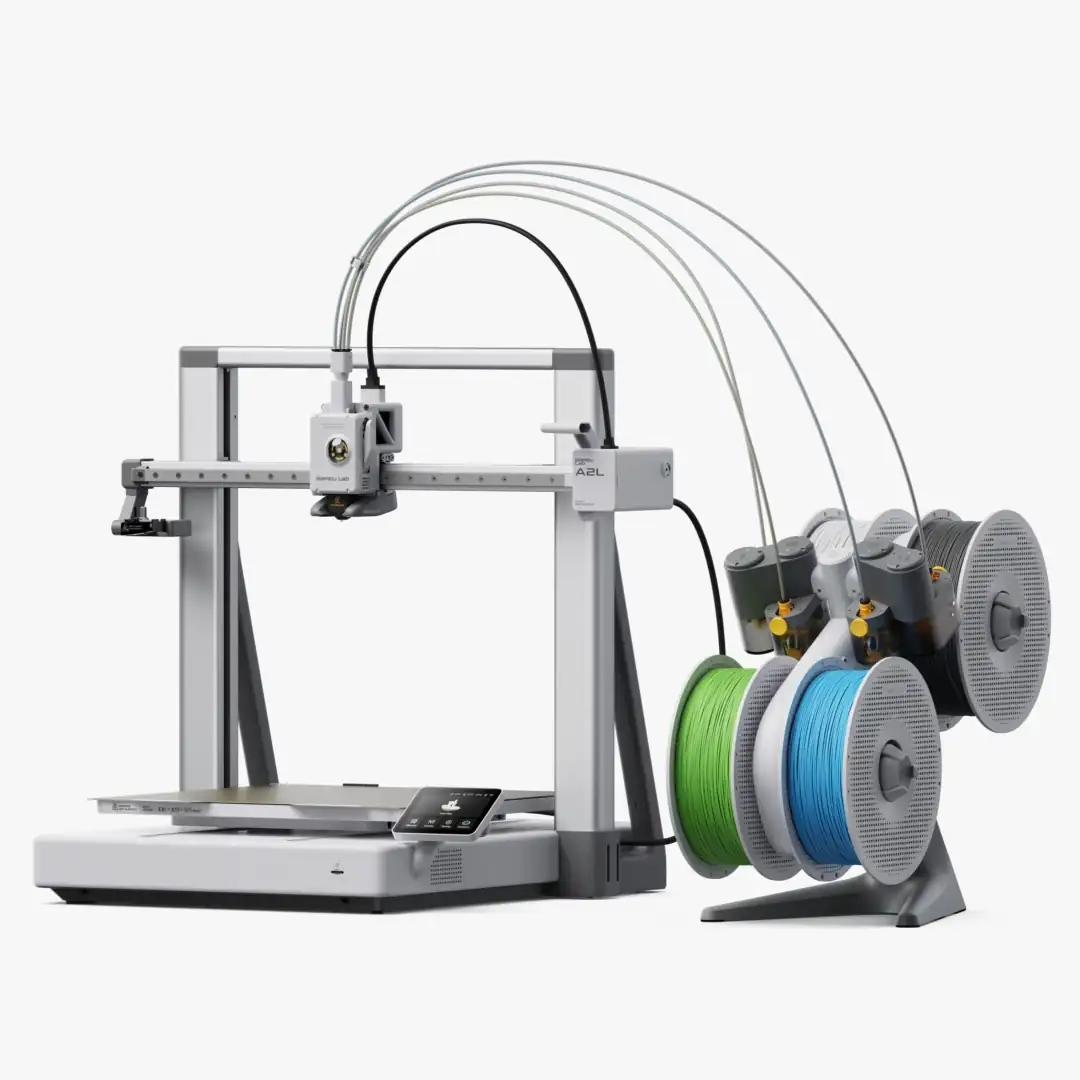
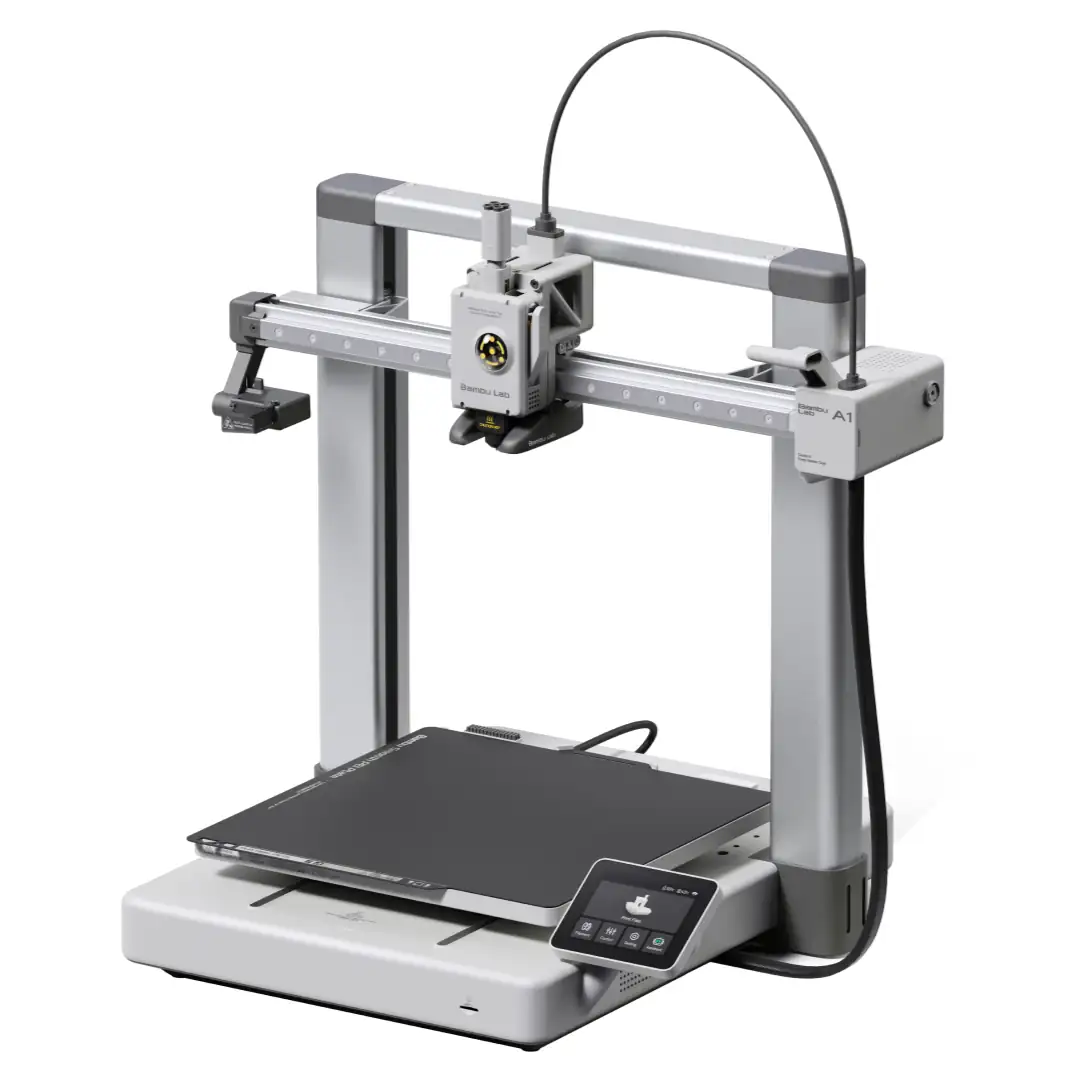
The A1 is the full-size all-rounder in the A Series. Same open-frame design as the A1 Mini but with the full 256 × 256 × 256mm build volume used across the P and X series. It handles PLA, PETG, TPU, and most standard filaments reliably. The AMS Lite Combo makes four-color printing genuinely accessible. OreKo uses the A1 for a significant portion of model testing, and it has not let us down on any model in the catalog.
General-purpose hobby printing. Anyone who wants the full 256mm build area without an enclosure or P-series pricing. Prints all OreKo models deck boxes, dollhouse pieces, mold boxes, and cosplay props sit comfortably within its capability.
Engineering materials that need an enclosed chamber. Makers who need large-format, step up to the A2L. Anyone who needs dual extrusion the X2D handles that.
The A1 Mini is the right first printer for most people. Compact, quiet, fast to set up, and reliable on PLA and PETG straight out of the box. The Combo ships with an AMS Lite already attached that means four-color printing for $449+, which is remarkable value for the price. The trade-off is build volume: 180 × 180 × 180mm is noticeably smaller than the 256mm machines, so larger single-piece prints are not possible. For anyone starting out, learning Bambu Studio, and printing standard hobby models, the A1 Mini is where to begin.
First-time 3D printer buyers. Makers with limited desk space. Anyone who wants a reliable, low-frustration machine for standard hobby models, game accessories, and decorative pieces. This is the printer OreKo recommends to anyone asking where to start.
Larger models that will not fit in 180mm. Engineering materials with open frame with no chamber heating. Makers who already know they will regularly need the full 256mm, buy the A1 instead and skip the upgrade later.
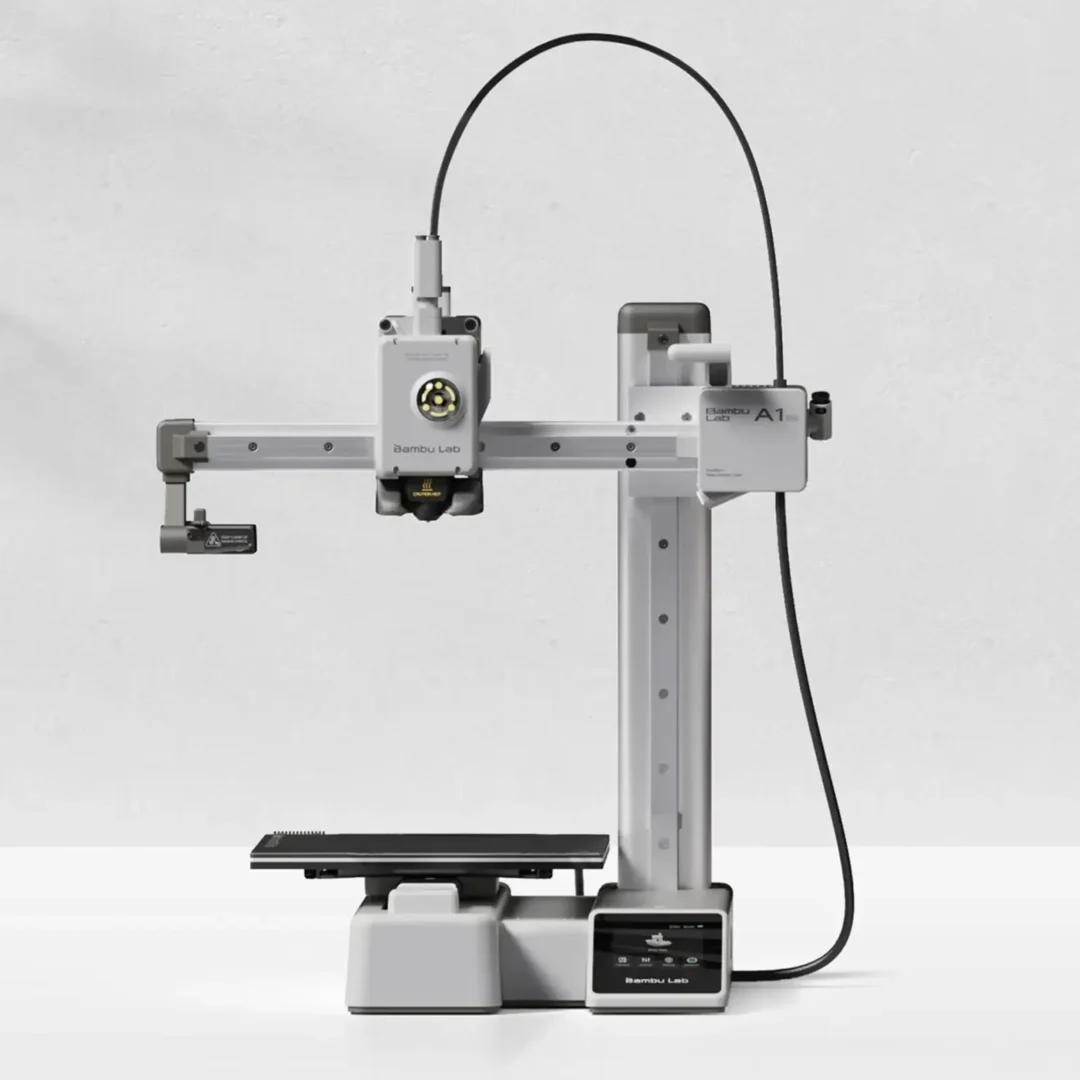
Every OreKo model is designed and tested on Bambu hardware. Whether you are just getting started on an A1 Mini or running an H2D, there is something in the catalog for your printer.