
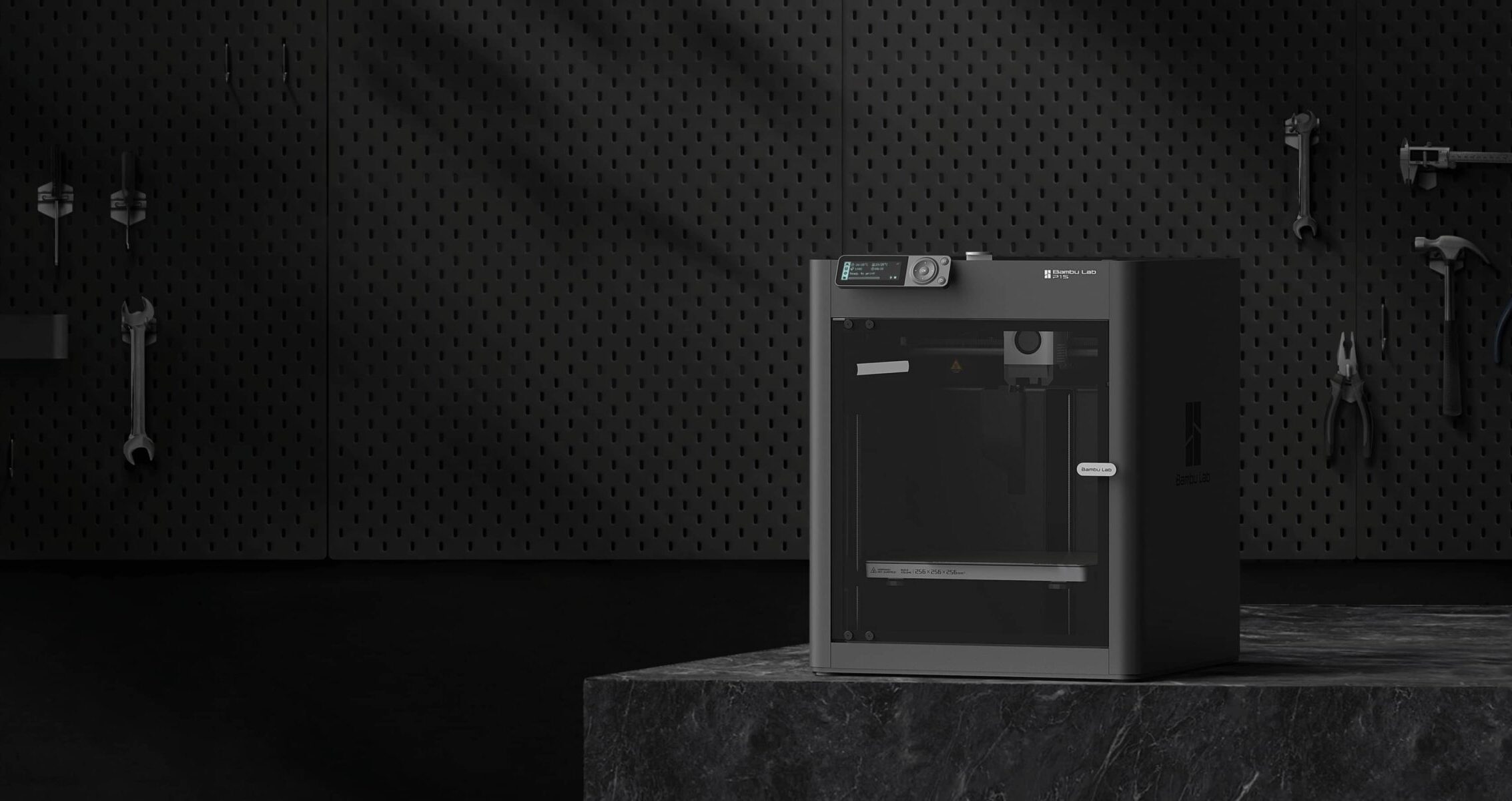
The Best All-Around 3D Printer Under $600
The Bambu Lab P1S has earned a reputation that few printers ever achieve: it is the answer to the question “what should I buy if I want one printer that does everything well?” Enclosed, fast, reliable, capable of engineering filaments, and fully compatible with the AMS system for up to 16-color printing.
At $399-$549 depending on configuration and promotions, the P1S sits in the sweet spot between the beginner-friendly A-series and the premium X and H-series machines. It is where serious hobbyists land, and for good reason.
Key Specs
| Spec | P1S |
| Build Volume | 256 x 256 x 256mm |
| Max Print Speed | 500mm/s |
| Max Hotend Temp | 300°C |
| Max Bed Temp | 120°C |
| Enclosure | Yes, fully enclosed |
| Multi-Color | Up to 16 colors (4x AMS 2 Pro) |
| Engineering Filaments | ABS, ASA, PC, PA supported |
| Motion System | CoreXY |
| Price | $399-$549 (standalone to Combo) |
Why the Enclosure Changes Everything
The single most important difference between the P1S and the A-series is the fully enclosed chamber. This is not just about aesthetics. Enclosure does three important things:
1. Stable chamber temperature. Engineering filaments like ABS and ASA warp aggressively when exposed to drafts or temperature fluctuations during printing. An enclosed chamber maintains stable ambient heat that prevents warping on large prints.
2. Better layer adhesion. Even on PLA and PETG, an enclosed chamber produces slightly stronger layer bonding because the printed layers cool more slowly and uniformly.
3. Fume containment. Materials like ABS produce fumes during printing. The enclosed design concentrates these inside the chamber where a HEPA and activated carbon filter can handle them before they reach the room air.
For most hobbyists who print PLA and PETG, these benefits are secondary. But for anyone who wants to print ABS, ASA, or PA reliably, the P1S is the minimum viable machine.
CoreXY Motion: Why It Matters
The P1S uses a CoreXY motion system rather than the bedslinger (moving bed) design of the A-series. In a CoreXY printer, the toolhead moves in both X and Y directions while the bed only moves in Z. This means the printed object never accelerates sideways during printing.
The practical result: the P1S produces cleaner results at high print speeds, handles taller prints better (no momentum from the weight of a tall part swinging around), and maintains dimensional accuracy more consistently across the full build volume. For most casual prints the difference is minimal, but for taller objects and high-speed printing it is meaningful.
16-Color Printing with AMS 2 Pro
The P1S supports up to four AMS 2 Pro units daisy-chained together, giving a total of 16 independent filament slots for multi-color printing. For hobbyists interested in producing highly detailed multi-color prints including character models, detailed props, anime figures, or complex geometric patterns, the P1S with four AMS units is the most capable setup in this price tier.
For OreKo-style deck boxes, two colors is all you need. But the P1S’s AMS compatibility means your color capability grows with your ambition and budget over time without needing a new printer.
Printing OreKo Models on the P1S
The P1S prints every OreKo model with room to spare. The 256mm build volume handles the full catalog, and the enclosed chamber means you can run overnight print sessions without worrying about ambient temperature fluctuations affecting your prints.
The P1S is the OreKo-recommended printer for anyone who wants to run multi-color deck box prints using the 3MF files. The AMS 2 Pro Combo configuration is pre-supported in Bambu Studio, color assignments in the 3MF files work without modification, and the CoreXY motion system produces particularly clean logo cap detail at fine layer heights.
Who Should Buy the P1S
- Hobbyists who want one printer that handles everything from PLA to engineering filaments
- Makers who want to run multi-color AMS printing with upgrade potential up to 16 colors
- Anyone doing overnight print sessions who wants the reliability of an enclosed machine
- Upgraders from the A-series who want engineering filament capability
- Enthusiasts who want CoreXY quality at a hobbyist price point
P1S vs P2S: Should You Wait?
Bambu Lab released the P2S in late 2025 as an upgraded P1S. The P2S adds a 5-inch color touchscreen, AI-powered error detection, a 50°C actively heated chamber, a stronger extruder, and quieter operation.
If the P1S is on promotion and you are budget-conscious, it remains an excellent machine. If you want the latest features and can stretch to $549, the P2S is the current recommendation. Both print the same quality of parts. The P2S is a better experience; the P1S is a better value when discounted.