
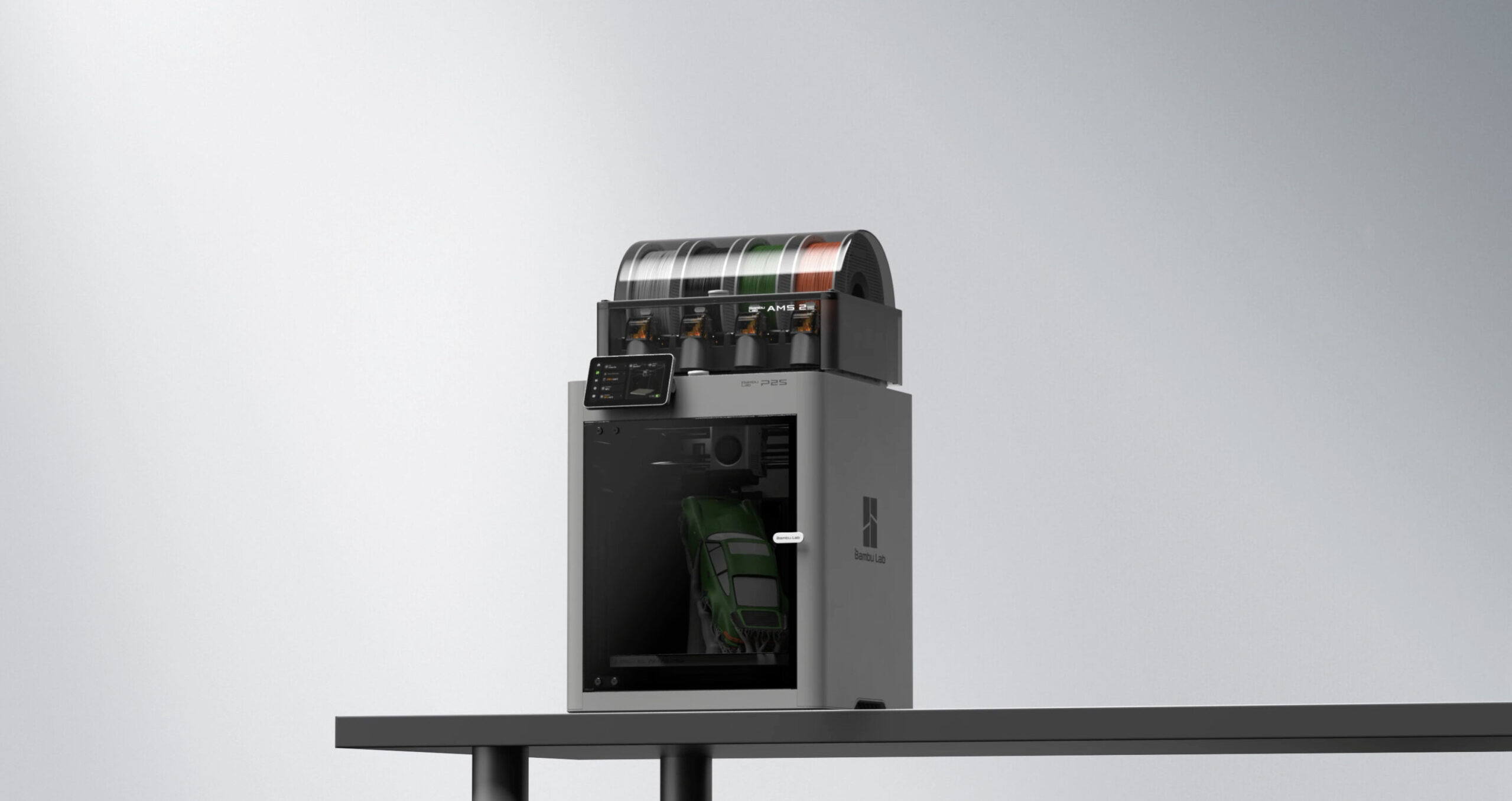
The P1S Gets a Serious Upgrade
Released in late 2025, the Bambu Lab P2S is the direct successor to the best-selling P1S. It keeps everything that made the P1S great and fixes the handful of things that experienced users wished were better: a proper touchscreen, smarter AI monitoring, a stronger extruder, a heated chamber, and significantly quieter operation.
At $549 standalone or $799 as a Combo with the AMS 2 Pro, the P2S is the definitive mid-range Bambu Lab printer for 2025-2026.
Key Specs
| Spec | P2S |
| Build Volume | 256 x 256 x 256mm |
| Max Print Speed | 500mm/s |
| Max Hotend Temp | 300°C |
| Chamber Heating | Active, up to 50°C |
| Enclosure | Yes, fully enclosed |
| Display | 5-inch color touchscreen |
| AI Monitoring | Spaghetti, nozzle clump, purge jam detection |
| Extruder | 70% stronger than P1S |
| Price | $549 standalone / $799 Combo |
What’s New Over the P1S
5-inch color touchscreen. The P1S used a small monochrome display and relied on Bambu Studio or the Handy app for most interaction. The P2S has a proper touchscreen that gives you full printer control without reaching for your phone. Start prints, adjust settings, monitor status, all from the printer itself.
AI-powered error detection. The P2S camera system now actively monitors prints for spaghetti (filament not sticking to the model), nozzle clumping, and purge block jams. When it detects a failure, it pauses the print automatically and alerts you. Failed overnight prints become significantly rarer.
Actively heated 50°C chamber. The P1S had a passively warmed enclosure. The P2S actively heats the chamber to 50°C, which meaningfully improves print quality on ABS, ASA, and PA. No warping on demanding materials that used to require careful environmental management.
70% stronger extruder. The upgraded extruder handles flexible filaments and abrasive materials with better grip and more consistent extrusion. Less slipping on TPU, less grinding on CF-filled filaments.
P2S vs P1S: Is the Upgrade Worth It?
If you are buying new, yes. The P2S is the current machine and the $549 price is competitive for what you get. The touchscreen alone makes the daily workflow noticeably more pleasant, and the actively heated chamber is a functional upgrade for anyone who prints ABS or ASA regularly.
If you already own a P1S, the upgrade is harder to justify. The P1S still produces excellent print quality. The P2S adds convenience and reliability improvements, but the output quality difference is not dramatic for PLA and PETG printing. Save the money for filament and models.
Who Should Buy the P2S
- Buyers who want the best enclosed desktop Bambu printer under $800
- Anyone who prints ABS, ASA, or engineering filaments and wants an actively heated chamber
- Makers who run unattended overnight prints and want AI failure detection
- Enthusiasts who want a proper touchscreen on the printer itself
- Upgraders from the A-series ready for a full-featured enclosed machine
Printing OreKo Models on the P2S
The P2S handles the entire OreKo catalog effortlessly. The actively heated chamber makes long print sessions even more consistent, and the AI monitoring means you can start a multi-hour dollhouse refrigerator print and trust the printer to alert you if something goes wrong rather than discovering a failed print hours later.
For OreKo deck box multi-color printing, the P2S with AMS 2 Pro Combo is arguably the best experience in the sub-$1,000 tier. Quiet, reliable, with a touchscreen you can check without opening Bambu Studio, and AI eyes watching every layer.