
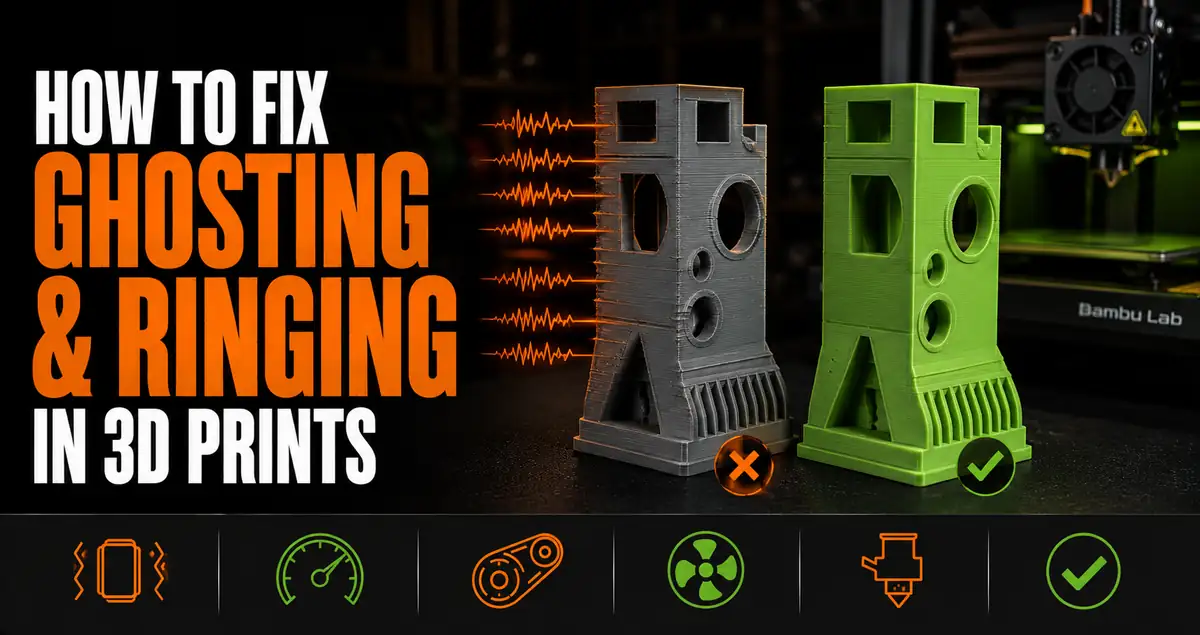
Ghosting (also called ringing or resonance) is the wavy, rippled pattern that appears on flat print surfaces adjacent to sharp corners or features. It looks like an echo of the corner geometry, repeating outward in waves. The cause is vibration in the print head or frame during rapid direction changes. On modern printers with input shaping, ghosting is mostly a solved problem. On older machines, it remains a common quality issue that responds to specific fixes.
What Causes Ghosting
When the print head changes direction rapidly at a corner, the mechanical system overshoots slightly and oscillates. These oscillations are transmitted to the nozzle tip, which deposits slightly misaligned lines for the few milliseconds it takes the vibration to dampen. The result is a wave pattern on the surface perpendicular to the direction of movement.
The frequency and amplitude of the ringing pattern depends on the printer’s resonant frequency (determined by frame stiffness, belt tension, and moving mass) and print speed. Higher speeds generate more inertial force on direction changes, producing more pronounced ringing.
How to Fix Ghosting
Input shaping (the modern solution): Bambu Lab printers and Klipper-based printers use input shaping (also called resonance compensation) firmware that pre-distorts the motion commands to cancel the resonance before it causes visible artifacts. On Bambu printers, this runs during the vibration calibration routine. If ghosting appears on a Bambu printer, re-run the vibration calibration, which is typically found in the maintenance or calibration menu.
Reduce print speed: On printers without input shaping, reducing outer wall speed is the most effective fix. Ghosting severity scales with speed. Halving the outer wall speed often eliminates visible ghosting. Try 60-80mm/s on outer walls if ghosting is severe.
Check belt tension: Loose belts allow the print head to oscillate more freely after direction changes. Both X and Y axis belts should be taut but not over-tensioned. On Cartesian printers, plucking the belt should produce a clear tone. Saggy belts that deflect easily under light finger pressure are too loose.
Tighten frame bolts: A loose frame transmits vibration from the motion system into the print. Check all frame fasteners, particularly where the printer frame connects to the base.
Frequently Asked Questions: Ghosting and Ringing in 3D Prints
What causes ghosting in 3D prints?
Mechanical resonance in the print head or frame during rapid direction changes. The print head vibrates after a sharp corner, depositing slightly misaligned lines that create a wave pattern on adjacent flat surfaces. Speed, belt tension, frame rigidity, and input shaping firmware all affect severity.
Do Bambu Lab printers have ghosting issues?
Rarely under normal conditions. Bambu’s input shaping (resonance compensation) calibration largely eliminates ghosting at the printer’s rated print speeds. If ghosting appears, re-running the vibration calibration in the maintenance menu usually resolves it. Ghosting on Bambu printers can also indicate a loose belt or carriage issue needing physical inspection.
Is ghosting the same as layer shifting?
No. Ghosting is a surface texture artifact from vibration. Layer shifting is when entire layers are misaligned due to a skipped step or mechanical obstruction. Ghosting looks like repeating waves. Layer shifting looks like the entire upper portion of the print is offset from the lower portion.