
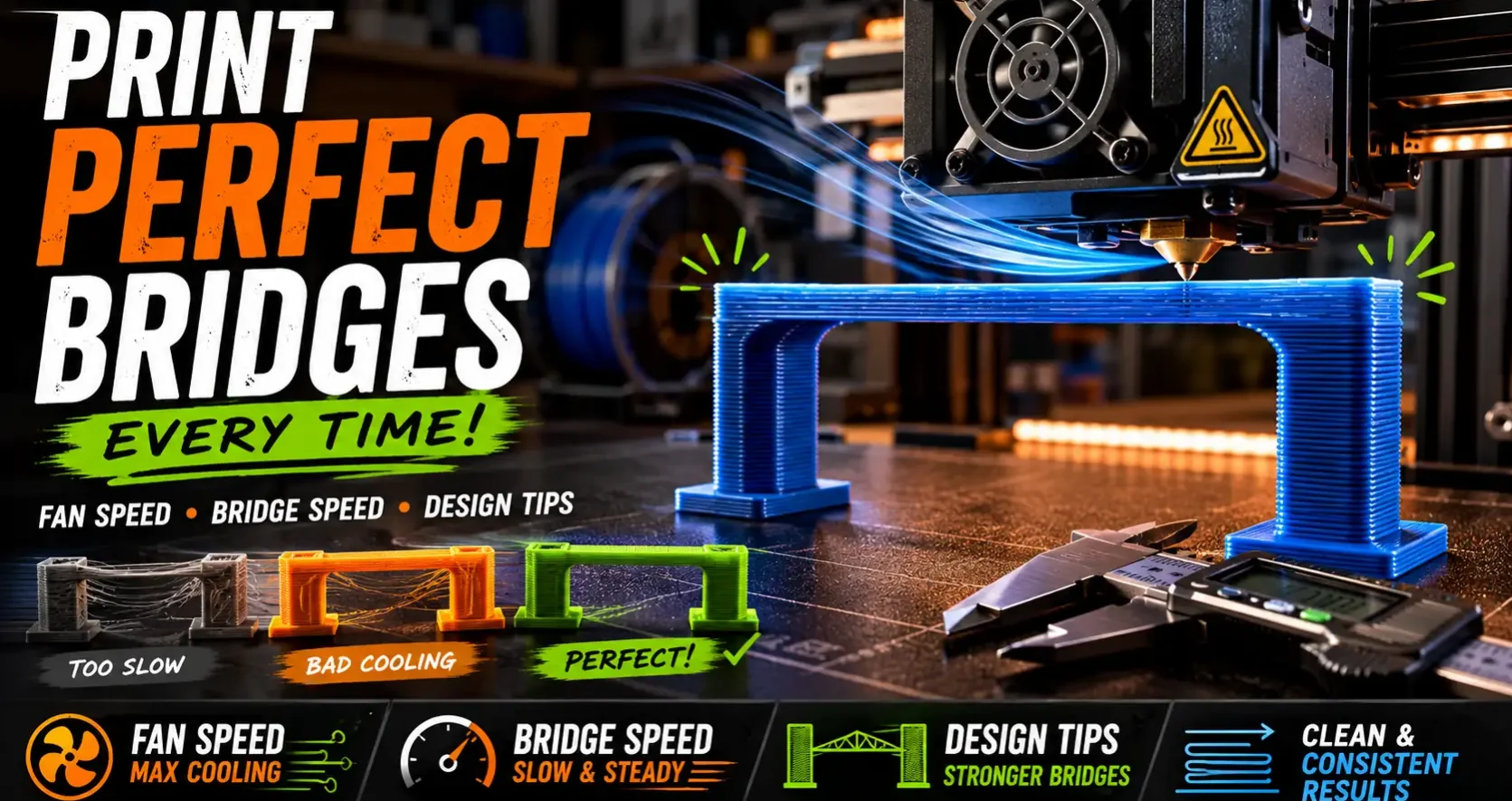
A bridge in 3D printing is a horizontal span printed across open air between two supported points. The printer deposits plastic in mid-air, relying on cooling speed and surface tension to hold the material in place before it sags. Done correctly, bridges print cleanly up to 50-60mm with no support. Done wrong, they sag, droop, and ruin the surfaces above them. Here is what controls bridge quality and how to optimize it.
The Two Variables That Control Bridge Quality
Cooling speed. Part cooling fans solidify the deposited plastic before gravity pulls it down. Maximum fan speed during bridging is the single most effective setting for clean bridges. Most slicers have a dedicated bridge fan speed setting that overrides normal cooling. Set it to 100% even if you use lower fan speeds for other layers. Bambu Lab printers with their dual-zone cooling fans produce some of the best bridging performance in the consumer FDM market for this reason.
Bridge speed. Slower bridge speed gives individual plastic lines more time to cool before the nozzle deposits the next line. Too fast and lines sag before they solidify. A dedicated bridge speed of 20-30mm/s on Bambu Studio is a good starting point. The slicer recognises bridge geometry and automatically applies the bridge speed setting to those specific regions.
Design Techniques to Minimize Bridge Length
The best bridge is a short one. For any span you’re designing, chamfering the underside turns a horizontal surface into two 45-degree surfaces that print without bridging at all. An arch profile under a doorway or window opening eliminates bridging entirely. Adding a small ridge or step at the bridge start and end points reduces the unsupported span even if the overall gap is large. OreKo models use these techniques to keep support requirements minimal across all designs.
For bridges you can’t design out, test your printer’s bridging limit with a bridge test model (available free on Printables) that prints spans from 20mm to 80mm. This shows exactly where your machine’s bridging performance degrades so you can set design limits accordingly.
Frequently Asked Questions: 3D Printing Bridges
How long can a 3D printed bridge be without supports?
On a well-tuned FDM printer with good part cooling, 50-60mm is a reliable bridging limit. Bambu Lab printers with their active cooling regularly bridge 60mm+ cleanly. Open-frame printers with weaker cooling are more limited, typically 30-40mm before quality degrades.
Why does my bridge sag in the middle?
Insufficient cooling or bridge speed too fast. Increase bridge fan speed to 100% in your slicer settings and reduce bridge print speed to 20-25mm/s. Also check that your part cooling fan is functioning correctly — a failing fan produces immediate bridging degradation.
Does layer height affect bridge quality?
Yes. Thinner layers produce better bridges because there is less material per line to sag under gravity before cooling. A bridge at 0.12mm layer height will be cleaner than the same bridge at 0.28mm. If bridging quality is a concern for a specific model, reducing layer height for that print is a worthwhile trade.