
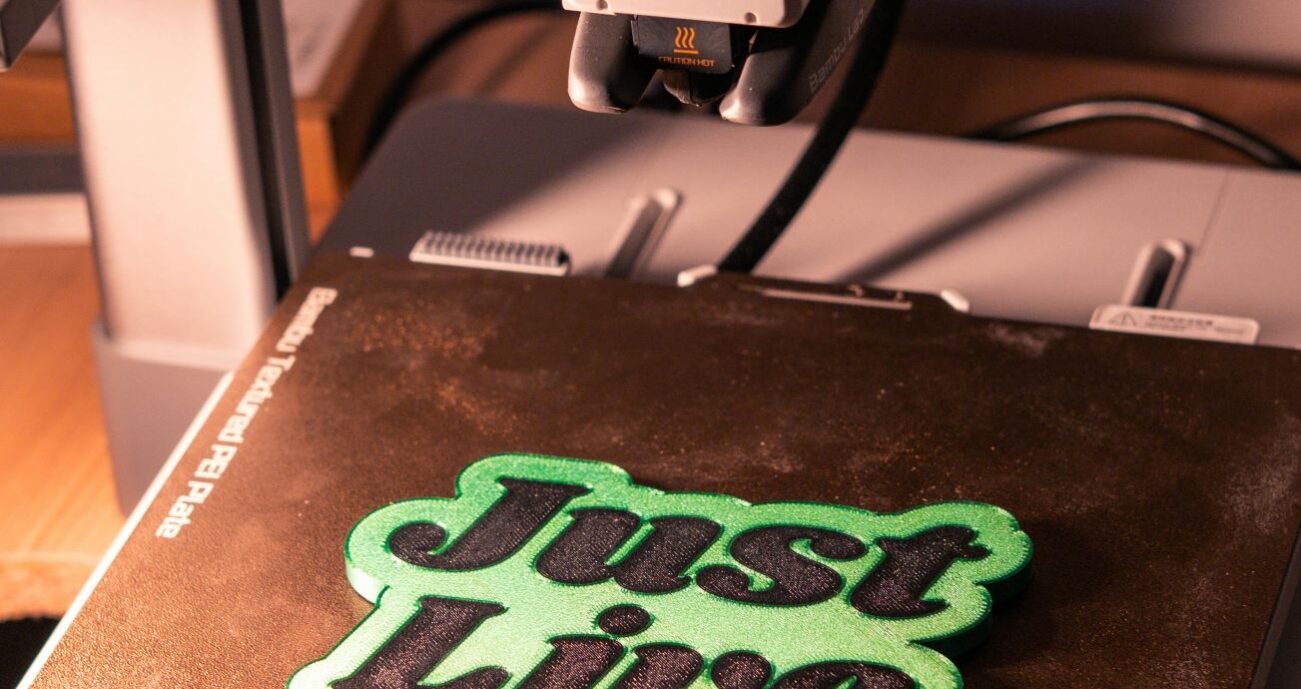
The first layer of a 3D print is the most important layer in the entire print. It is the foundation everything else builds on. A first layer that bonds correctly to the bed means the print will succeed. A first layer that doesn’t means you’re watching an expensive ball of tangled filament form on your print bed. Understanding what makes a good first layer and how to achieve it consistently is the foundation of reliable FDM printing.
What a Good First Layer Looks Like
The first layer should be visibly flatter and slightly wider than subsequent layers. Each line of deposited plastic should be squished down against the bed, bonding to it mechanically and thermally. Adjacent lines should sit right next to each other with no visible gaps. The surface where plastic meets bed should have a slight sheen that indicates the two materials have bonded.
What it should not look like: round tubular lines sitting on top of the bed without squishing (nozzle too high), or an imperceptible thin smear with reduced extrusion (nozzle too low, blocking flow).
First Layer Settings That Matter
First layer height is typically set to 150-200% of your normal layer height in slicers. A 0.3mm first layer over a 0.2mm print provides extra squish and a stronger base. First layer speed should be 20-30mm/s regardless of your normal print speed. Slow speed gives the plastic time to bond to the bed surface. First layer cooling fan should be off for the first 3 layers minimum. Rapid cooling reduces adhesion. The full guide on calibrating your first layer on Bambu Lab printers is at the first layer calibration guide.
Frequently Asked Questions: 3D Print First Layer
Why is the first layer so important in 3D printing?
Every subsequent layer bonds to the layer below it. The first layer bonds to the bed. If that bond is weak or incomplete, the entire structure above it has an unstable foundation. First layer failures cascade into full print failures within the first 10-30 layers as the insufficient base causes the print to shift or detach.
How do I know if my first layer is good?
Watch the first 3-5 minutes of printing. Lines should be flat, slightly wider than normal, and sitting adjacent to each other with no gaps. No sound of the nozzle scraping the bed. No lines that look like separate raised tubes. A good first layer looks like a solid flat skin, not a collection of round cylinders sitting on a flat surface.
What causes a rough first layer?
Z-offset too high (insufficient squish), dirty bed surface (oils reducing adhesion), or bed temperature too low for the material. Check in that order: clean first, then calibrate z-offset, then check bed temperature.