
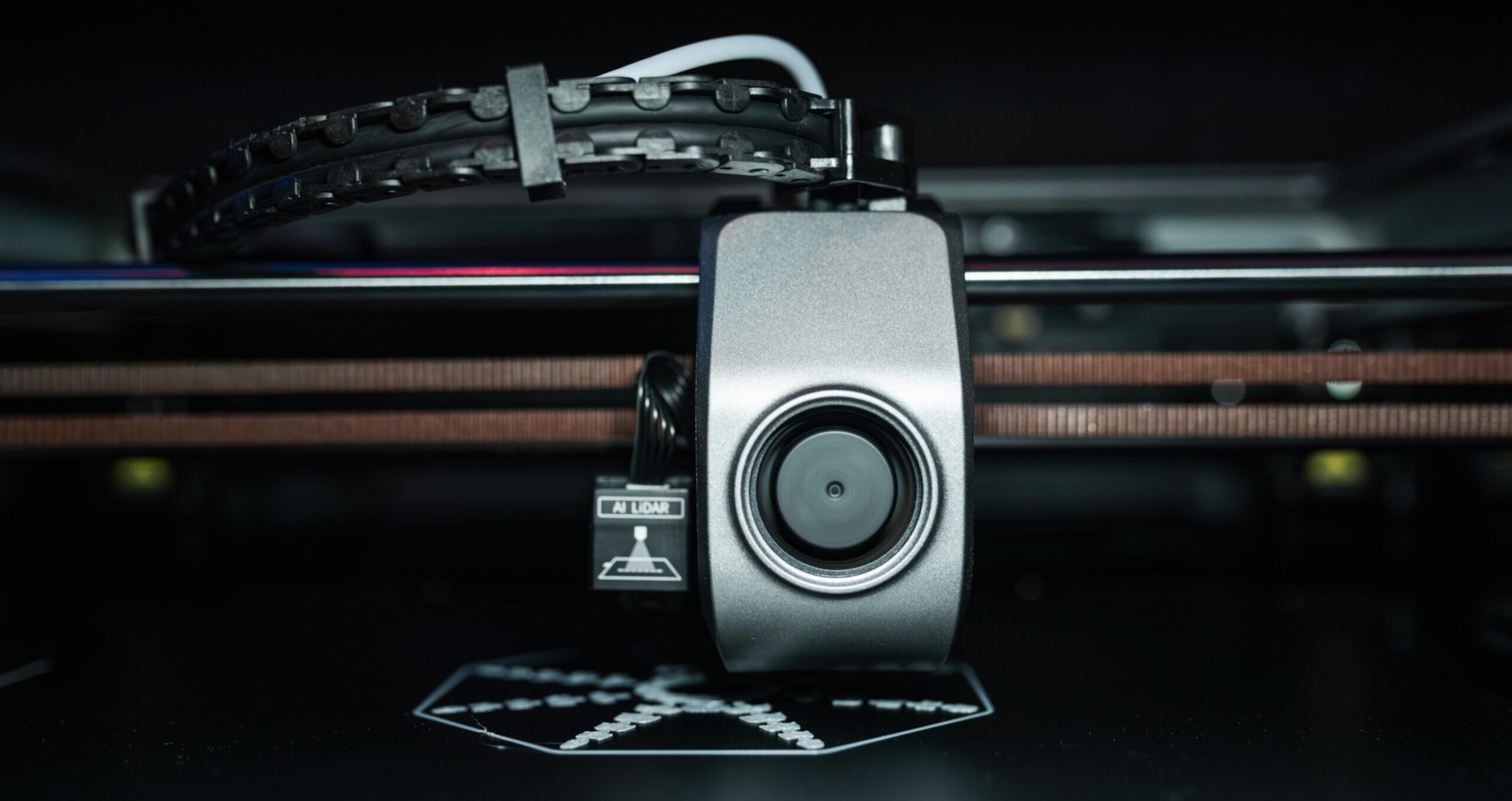
Bambu Lab’s first layer calibration is one of its most important features and one that new owners sometimes skip or only run once. Running it correctly after setup and periodically thereafter is the single biggest factor in consistent first layer quality. Here’s exactly what it does and when to run it.
What the Calibration Does
Bambu’s first layer calibration runs a test print across the full bed surface to measure the actual gap between nozzle and bed at multiple points. It adjusts the live z-offset and creates a compensation mesh that accounts for any slight bed surface variation. The result is a first layer that lands consistently across the entire plate, not just in the calibrated corner most manual printers rely on.
The process takes about 10-15 minutes and produces a visible calibration pattern on the bed. After calibration, the slicer uses the stored data for all subsequent prints until you run it again.
When to Run First Layer Calibration
Run it: when you first set up the printer, after moving the printer to a new location, after swapping print plates, when first layer quality has noticeably changed, and after major firmware updates that may reset stored calibration data. Many Bambu users run a quick calibration monthly as standard maintenance.
You don’t need to run it before every print. Bambu’s bed mesh leveling runs automatically before each print job to compensate for minor variations. Full calibration is for when the baseline has drifted. More context on reducing print failures at the pre-print checklist.
Frequently Asked Questions: Bambu First Layer Calibration
How do I run first layer calibration on Bambu Lab?
On the printer’s touchscreen: go to Calibration (or Maintenance on some firmware versions) and select First Layer Calibration. Load a standard PLA filament, confirm your plate type, and start. The printer runs the full sequence automatically.
Why are my Bambu first layers still bad after calibration?
Check that the print plate is clean (IPA wipe before calibration and before printing), confirm the plate type selected in Bambu Studio matches the physical plate on the printer, and verify bed temperature is appropriate for the filament. If calibration prints look correct but regular prints don’t, check for plate contamination or settings mismatch in the sliced file.
Does Bambu first layer calibration need to be run with a specific filament?
Run it with the filament type you’ll primarily use. The calibration accounts for the slight variation in print temperature and flow that different materials produce. PLA calibration is a reliable baseline for most hobby printing.