
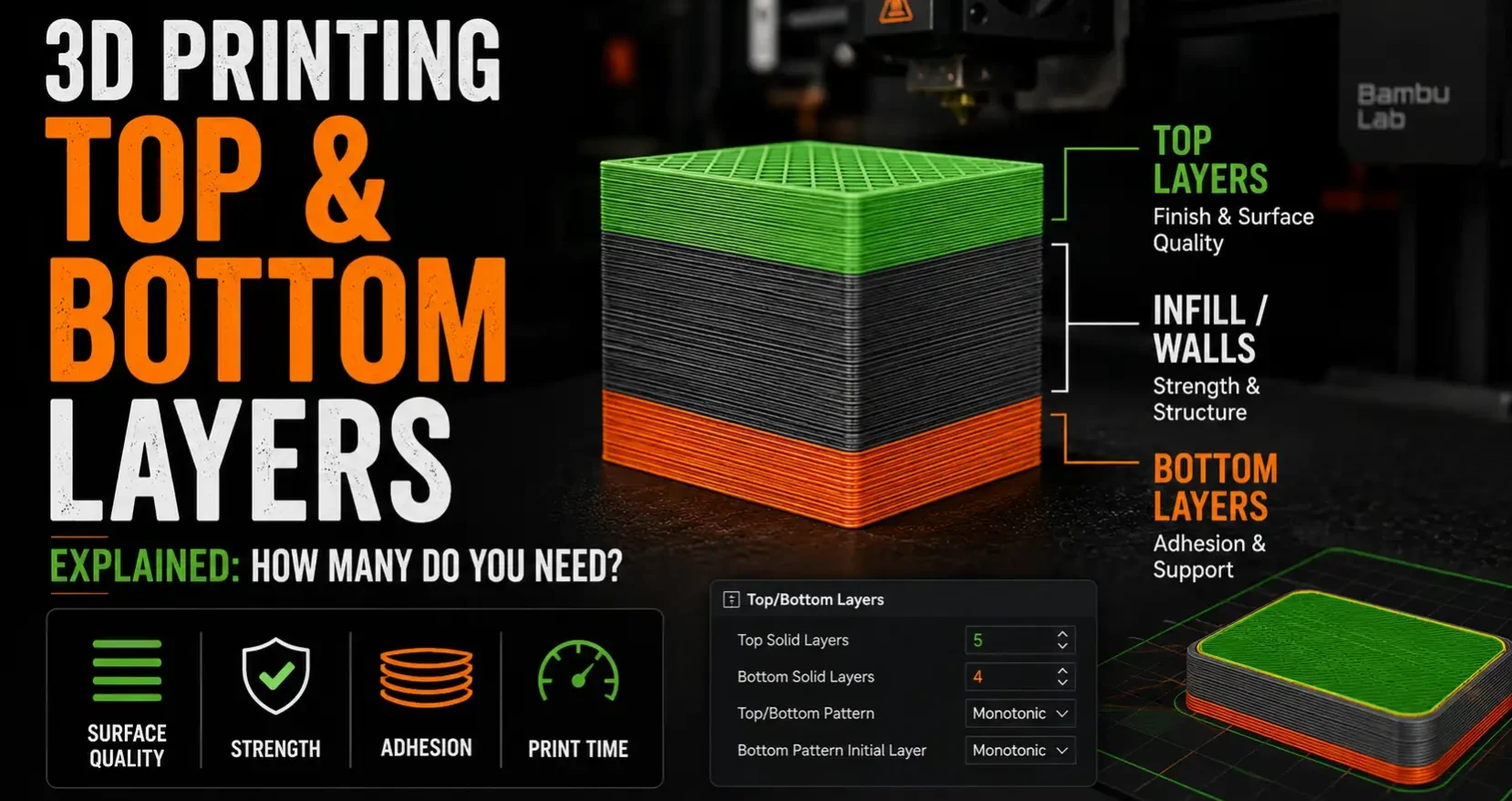
Top and bottom layers are the solid surface skins on the top and bottom of a 3D print. They’re separate from the walls and infill, and the number you set directly affects how solid and clean those surfaces look. Too few and you get gaps. Too many and you’re wasting material on overkill surface thickness. Here’s what the numbers mean and what to set for different use cases.
What Top and Bottom Layers Do
The bottom layers are printed as solid surface across the print bed contact area, providing a flat, strong base. The top layers cap the print with solid surface over the infill interior. Both need to be thick enough to produce a visually solid surface without gaps between extrusion lines.
At 0.2mm layer height, 3 bottom layers gives a 0.6mm solid base. 4 top layers gives 0.8mm of solid cap. These are sensible minimums. Anything below 3 bottom layers risks the bed surface texture telegraphing through to the print bottom. Fewer than 3 top layers with low infill produces visible gaps in the top surface.
Recommended Settings
For standard hobby printing at 0.2mm layer height: 3 bottom layers, 4 top layers. For fine detail work at 0.12mm: 4 bottom, 5 top (the individual layers are thinner so you need more to achieve equivalent physical thickness). For large flat top surfaces you want to look polished: 5 top layers plus enable ironing. For draft/speed mode where surface quality is not a priority: 2 bottom, 3 top minimum.
Top surface quality also depends on infill density. With very low infill (5-10%), the top layers have large spans to bridge between infill lines, and often show ripples or slight sag. Increasing to 15-20% infill or increasing top layer count to 6-8 resolves this on low-infill prints. More at the infill guide.
Frequently Asked Questions: Top and Bottom Layers
How many top layers should I use for 3D printing?
4 top layers at 0.2mm layer height is the standard default. Increase to 5-6 for large flat top surfaces where gaps would be visible. The physical thickness should be at least 0.6-0.8mm regardless of layer height setting.
Why does my 3D print top surface have holes?
Most commonly caused by too few top layers, too low infill density beneath the top surface, or top layer printing too fast for the span. Increase top layers to 5-6, increase infill to 15% minimum, or reduce top surface speed. Enable ironing for a smooth finish after fixing the underlying gaps issue.
Do bottom layers affect bed adhesion?
Bottom layers affect the appearance and strength of the print base but don’t directly control bed adhesion (that’s z-offset and bed surface). More bottom layers create a thicker, more rigid base that’s less prone to flexing and peeling, which can help with tall prints prone to warping at the base.