
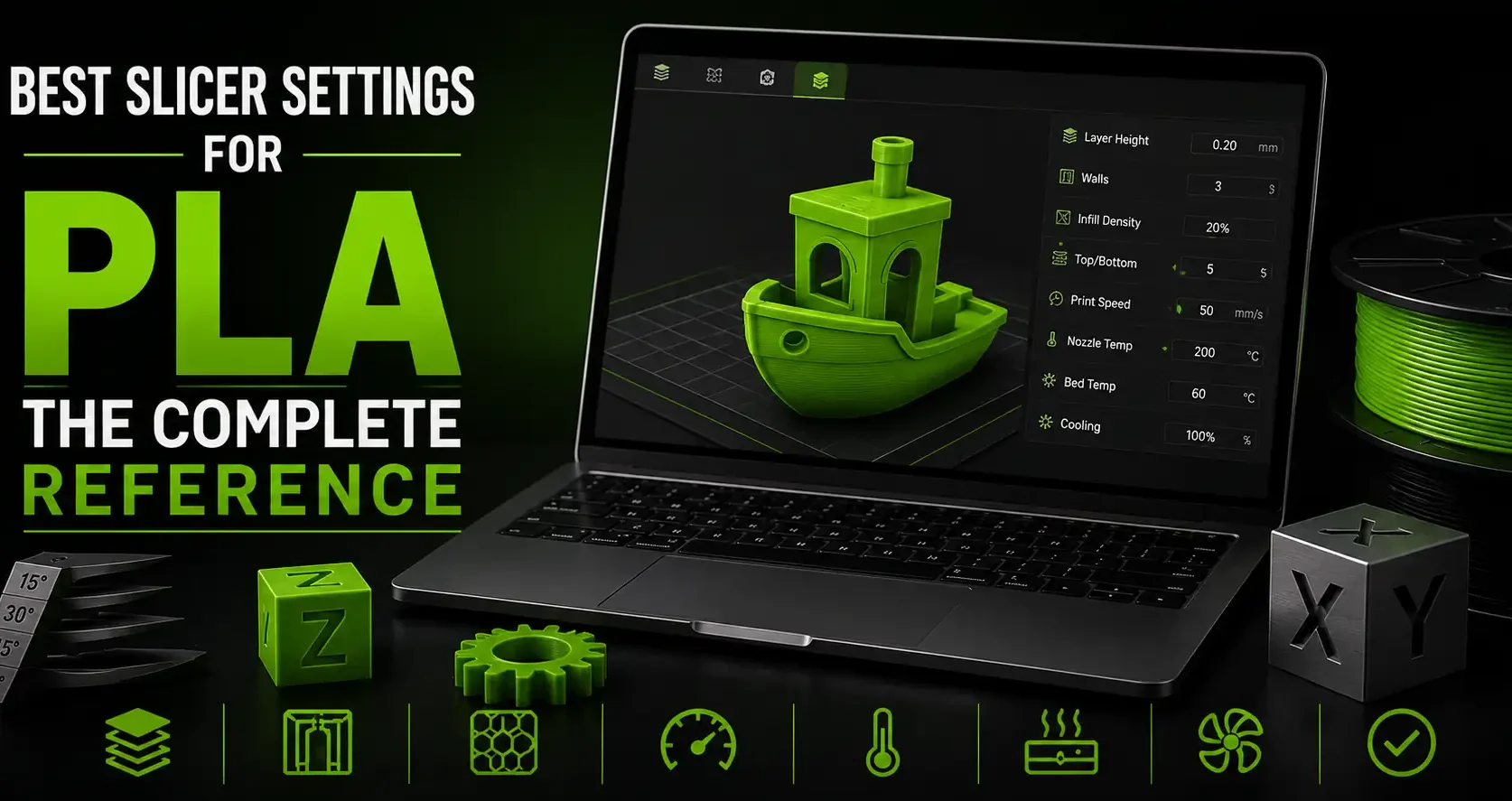
Why PLA Slicer Settings Matter More Than the Printer
The same PLA filament on the same printer will produce dramatically different results depending on slicer settings. Get temperature, speed, retraction, and cooling right and PLA prints clean, strong parts every time. Get them wrong and you get stringing, warping, weak layer adhesion, or surface quality problems that look like a hardware issue.
This is the complete reference for PLA slicer settings. Every value comes from real print testing, not manufacturer defaults. Use it as your starting point and adjust from there based on your specific printer, filament brand, and part requirements.
Temperature Settings
| Setting | Value | Notes |
| Nozzle temperature | 200-220°C | Start at 210°C. Increase for better layer bonding on functional parts. Decrease to reduce stringing on detail prints. |
| First layer temperature | 215-220°C | Slightly higher on the first layer improves bed adhesion. Most slicers set this automatically. |
| Bed temperature | 55-65°C | 60°C is the standard for PLA on textured PEI. No heated bed needed in some cases, but it improves consistency. |
| Enclosure | Open | PLA does not need an enclosure. An enclosed print chamber can cause PLA to deform from heat buildup on long prints. |
Bambu Studio note: Temperature is set in the filament profile, not the process settings. If you are using a generic PLA profile, verify the nozzle temperature is not set to 220°C by default, which is at the high end for most PLA brands. Most PLA prints better at 210-215°C.
Layer Height and Wall Settings
| Setting | Value | Notes |
| Layer height (standard) | 0.20mm | Best balance of speed and quality for most prints. Use this for functional parts and large models. |
| Layer height (quality) | 0.12mm | For miniatures, detail parts, cosplay props, and anything being painted. See the full layer height guide for miniature-specific settings. |
| Layer height (draft) | 0.28mm | For functional prototypes and test fits where surface quality does not matter. |
| First layer height | 0.20mm | Keep first layer height consistent regardless of print layer height. Thicker first layer improves bed adhesion. |
| Wall count (perimeters) | 2-3 | 2 walls for most prints. 3 walls for anything structural, functional, or with thin features. 4+ walls for parts under stress. |
| Top/bottom layers | 4-5 | Enough layers to close the top surface solidly. More layers needed at 0.12mm since each layer contributes less thickness. |
Print Speed Settings
| Speed Setting | Value | Notes |
| Outer wall speed | 40-60mm/s | The most visible surface. Slower speed here improves surface quality significantly. Do not match this to infill speed. |
| Inner wall speed | 80-100mm/s | Inner walls are not visible. Faster is fine. |
| Infill speed | 80-120mm/s | Infill is internal. Speed it up. On Bambu hardware, 150-200mm/s infill is achievable. |
| First layer speed | 20-30mm/s | Slow for better adhesion. Most slicers default to 25mm/s for the first layer. |
| Travel speed | 150-200mm/s | Fast travel reduces stringing. Bambu printers travel at 300mm/s+, which is one reason they string less. |
| Bridge speed | 25-40mm/s | Slow bridging lets each strand cool in place before the next one is laid. |
Retraction Settings
Retraction pulls filament back before travel moves to prevent stringing. The correct value depends on your extruder type. Wrong retraction causes either stringing (too little) or under extrusion (too much).
| Extruder Type | Retraction Distance | Retraction Speed |
| Direct drive | 0.5-1.5mm | 25-45mm/s |
| Bowden | 4-7mm | 40-60mm/s |
| Bambu Lab (all models) | 0.8-1.0mm | 30-40mm/s |
Start at the lower end and increase in 0.2mm increments until stringing stops. If you see gaps or under extrusion after increasing retraction, you have gone too far. See the full stringing fix guide for more detail on tuning retraction.
Cooling and Fan Settings
PLA needs aggressive cooling for clean bridges, sharp overhangs, and tight detail. This is the one material where running fans at 100% is correct.
Part cooling fan: 100% for PLA after the first 1-3 layers. No other common FDM material benefits from maximum cooling as much as PLA.
First layer fan: 0% for the first 1-3 layers. Let the first layers stay warm so they bond to the bed. Ramp up cooling starting on layer 3 or 4.
Minimum layer time: Set to 10-15 seconds. This prevents the slicer from printing a new layer before the previous one has cooled enough to support it. Critical for small parts and miniatures. Without minimum layer time, small features (like thin pillars or towers) will be printed while still molten and deform.
Bridging fan: Keep at 100% during bridges. Maximum cooling during bridging lets each strand solidify before the nozzle pulls it.
Bambu note: Bambu printers have an auxiliary fan in addition to the part cooling fan. The auxiliary fan cools the chamber air and becomes useful for high-speed PLA printing where heat can build up. Enable it in the filament profile if you are printing fast.
Infill Settings
| Use Case | Infill % | Pattern |
| Display models and miniatures | 15-20% | Gyroid or Grid |
| Deck boxes and card game accessories | 20-40% | Grid or Honeycomb |
| Functional parts under load | 40-60% | Gyroid or Cubic |
| Small structural pieces and hinge pins | 100% | Lines or Rectilinear |
| Cosplay props (large) | 10-15% | Gyroid (lightweight) |
Gyroid infill distributes strength in all directions and is the best general-purpose infill pattern for most parts. Grid is faster to print and works well for flat-dominant models. Avoid vase mode (0 infill, single wall) except for decorative display pieces.
Frequently Asked Questions: PLA Slicer Settings
What temperature should I print PLA at?
200-220°C nozzle temperature covers the range for virtually all PLA brands. Most PLA prints best at 210-215°C. High-speed PLA (sold for fast printers like Bambu) often requires 220-230°C. Check the manufacturer’s recommended range on the spool label and start in the middle of that range.
What is the best layer height for PLA?
0.20mm for most prints. Drop to 0.12mm for miniatures, fine detail, and anything being painted. Use 0.28mm for fast test prints where quality does not matter. For a deep dive on layer height for small parts, see the miniature layer height guide.
What fan speed should I use for PLA?
100% part cooling fan after the first few layers. PLA benefits from maximum cooling more than any other common filament. Run 0% fan for the first 1-3 layers for bed adhesion, then full speed for the rest of the print.
How much infill do I need for PLA parts?
Depends on the purpose. Display models and miniatures: 15-20%. Deck boxes and enclosures: 20-40%. Functional parts under stress: 40%+. Small structural pieces: 100%. More infill adds weight, print time, and filament cost. Use only as much as the part actually needs.
What retraction settings should I use for PLA on a Bambu printer?
0.8mm retraction distance at 35mm/s retraction speed is a reliable starting point. If stringing persists, increase to 1.0mm. Do not exceed 1.5mm on Bambu hardware. Bambu’s high travel speeds already reduce stringing significantly, so less retraction is needed compared to slower printers.