
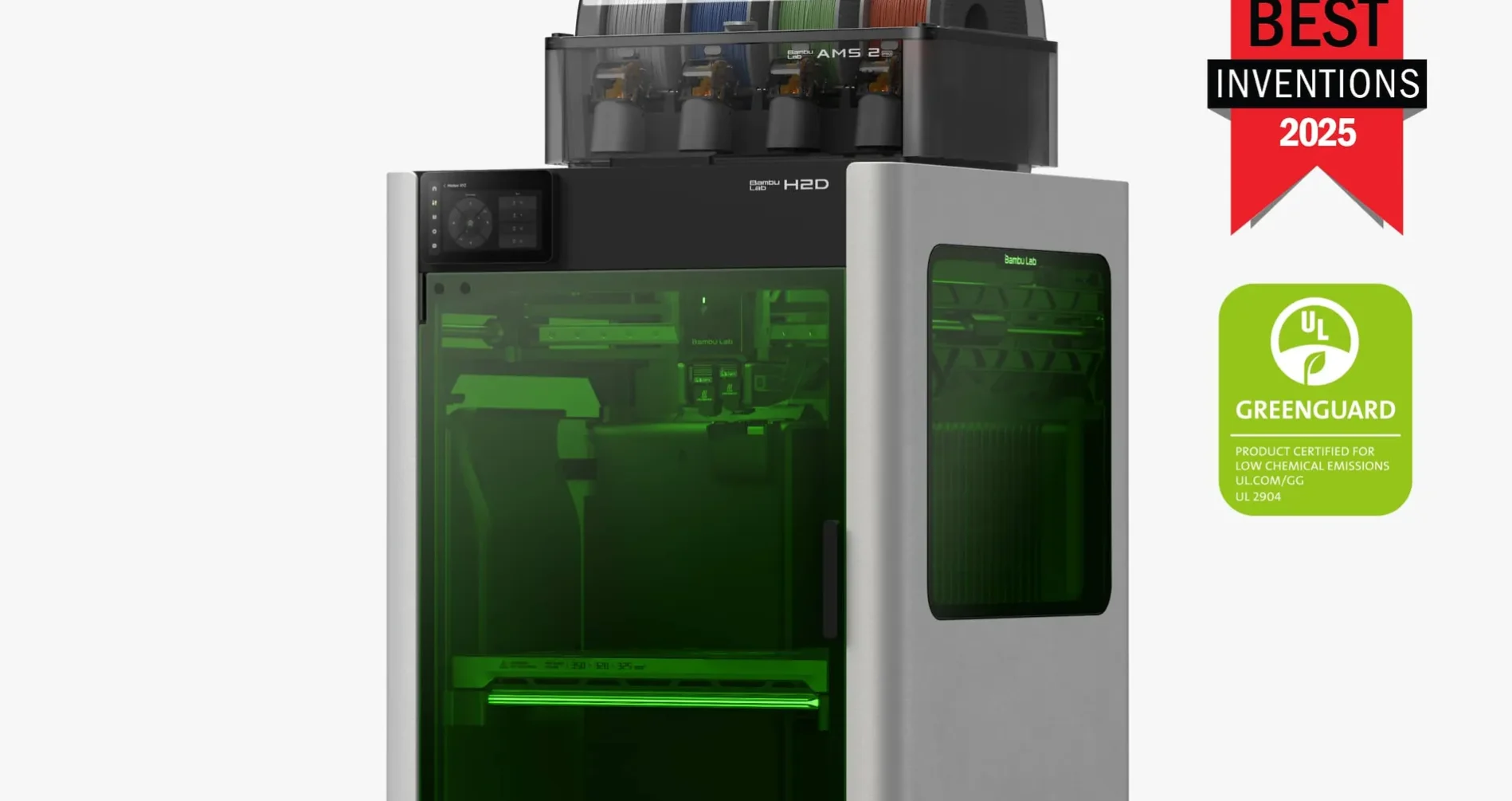
One Machine. Print. Engrave. Cut.
The Bambu Lab H2D with laser module is not just a 3D printer. It is the closest thing to a personal fabrication studio that fits on a desk. Print a model, swap the toolhead, engrave text into wood, cut vinyl for a sticker, plot a design on paper — all from the same machine, the same software, and the same 350 x 320mm workspace.
For makers who have been running separate machines for 3D printing and laser work, the H2D Combo consolidates them into a single footprint at a price that competes favorably with buying each capability separately.
The Module Ecosystem
| Module | What It Does | Best For |
| Dual Print Nozzle | Standard 3D printing with two materials simultaneously | Soluble supports, two-material prints |
| 10W Laser | Engraves wood, leather, anodized metal, cardboard | Engraving, light cutting (thin balsa, cardboard) |
| 40W Laser | Cuts 6mm wood, 3mm acrylic, engraves deeply | Production cutting, detailed engraving, acrylic work |
| Blade Cutter | Cuts vinyl, paper, foam sheets | Stickers, decals, stencils, paper crafts |
| Pen Plotter | Draws on paper, cards, fabric | Greeting cards, labels, custom drawings |
How the Module Swap Works
All modules mount to the same toolhead dock on the H2D. Swapping between the print nozzles and the laser module takes under a minute: release the current module, dock it, mount the new one. Bambu Studio detects the module change and switches workflows automatically.
When the laser module is active, the 3D printing workflow is completely replaced by Bambu Studio’s laser interface. You import your design (SVG, bitmap, or photo), set your material type and power level, and run the job. The same bed leveling and positioning system ensures accurate registration, so you can align a laser engraving exactly to a 3D printed piece.
Safety note: The 40W laser requires proper eye protection and ventilation. The H2D’s HEPA and carbon filtration handles most of the fume load, but a dedicated exhaust or air assist setup is recommended for sustained laser cutting sessions.
Real Creative Workflows the H2D Combo Enables
3D print a deck box, laser engrave a custom logo. Print your OreKo deck box base, swap to the laser module, and engrave a custom name, date, or symbol directly onto the lid. No paint, no decals — a permanent engraving that becomes part of the object.
3D print a frame, laser cut an acrylic inset. Print a decorative frame for a display piece, cut a custom acrylic panel with the 40W laser, and press-fit it in. A workflow that used to require two separate machines and two separate software pipelines runs in one session.
Print prototype parts, cut vinyl labels. Print a functional enclosure, cut a vinyl label with the blade cutter for identification. Perfect for workshop tools, organizers, and labeled storage.
Combine materials creatively. Print TPU flexible hinges, cut rigid balsa wood panels with the laser, and combine them into a mixed-material product. No other desktop machine at this price point enables this workflow.
10W vs 40W Laser: Which Do You Need?
10W is enough for: Engraving wood, leather, cardboard, anodized aluminum. Light cutting of thin materials under 3mm. Most hobbyist engraving projects. If personalization and surface decoration are your primary laser goals, the 10W handles them.
40W is worth it for: Cutting 6mm solid wood, 3mm acrylic, 2mm MDF. Production engraving where speed matters. Anyone running laser jobs regularly or commercially. The 40W cuts nearly twice as fast as the 10W on wood and handles materials the 10W simply cannot cut through cleanly.
For a maker who wants to occasionally add laser engraving to their 3D printing workflow, the 10W is the practical starting point. For anyone who sees laser cutting as a primary use case alongside printing, buy the 40W once.
The Complete Bambu Lab Lineup at a Glance
| Printer | Price | Best For |
| A1 Mini | $299 / $449 Combo | Beginners, small prints, tight budgets |
| A1 | ~$370 / ~$499 Combo | Beginners wanting full build volume |
| P1S | $399-$549 | Best value enclosed printer |
| P2S | $549 / $799 Combo | Best current mid-range enclosed printer |
| X2D | $649 / $899 Combo | Compact dual extrusion, X1C successor |
| H2S | $1,249 | Large format single nozzle production |
| H2D | $1,749-$1,999 | Dual nozzle + optional laser/cutter |
| H2C | $2,399+ | Zero-waste multi-color with Vortek |
Whatever Machine You Have, OreKo Has Models for It
Every OreKo STL and Bambu 3MF file works across the full Bambu Lab lineup. Download and start printing today.