
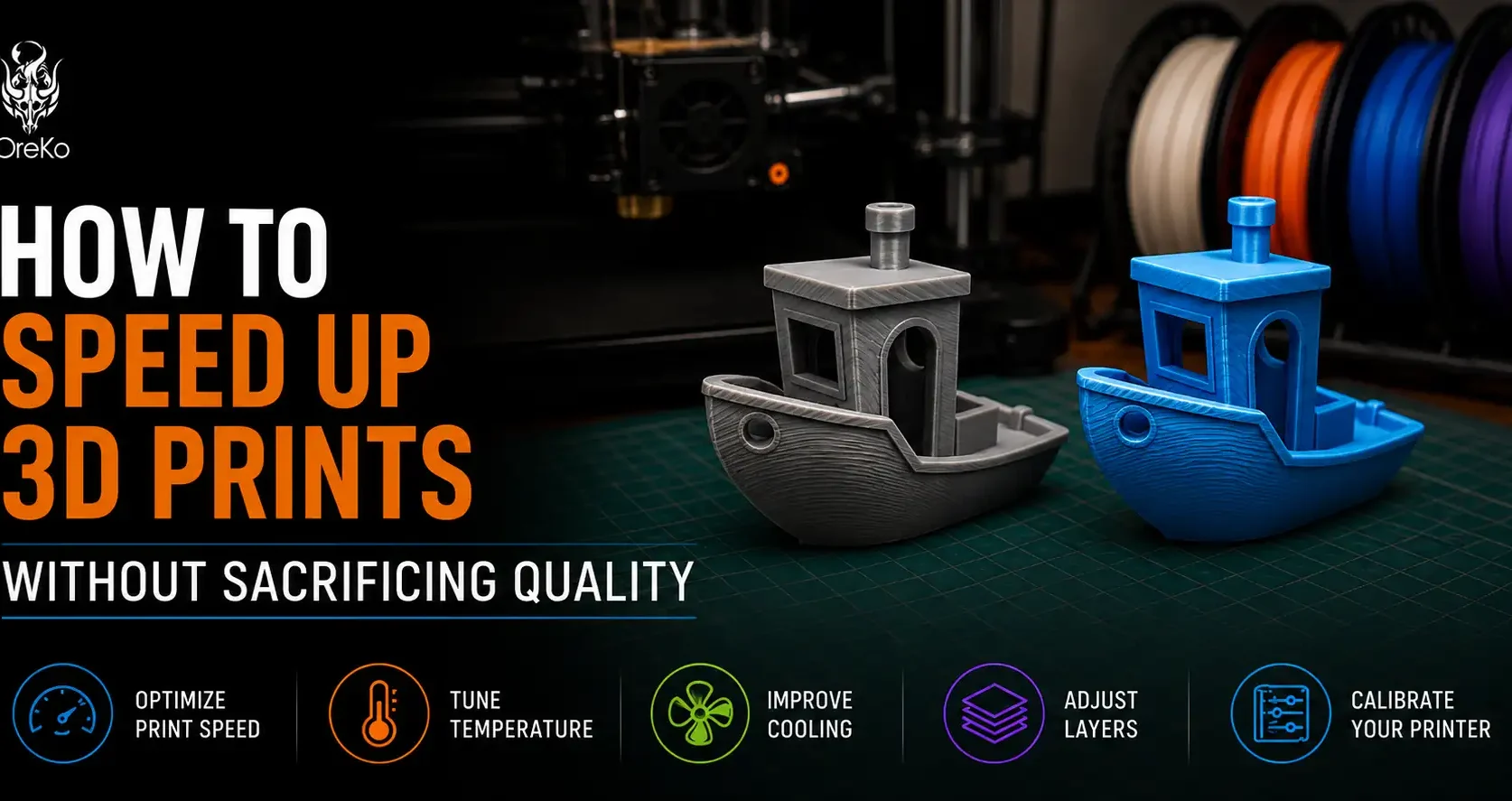
Print time is a real cost in 3D printing. A deck box that takes 4 hours on one machine takes 90 minutes on another with identical quality. If you’re not on a Bambu Lab machine, or you want to push what you have further, these are the settings changes that actually reduce print time without sacrificing the output quality you care about.
The Highest-Impact Changes First
Increase layer height to 0.28mm for large structural prints. Going from 0.2mm to 0.28mm cuts roughly 25-30% off total print time. The surface quality difference on flat wall sections is minimal. On curved or detailed surfaces it’s visible but acceptable for most functional prints. Use 0.28mm for cosplay prop bodies and functional parts; keep 0.12mm for detail caps and small accessories.
Use lightning infill for display-only prints. Lightning infill generates the minimum structure to support top surfaces. On a large figurine or display model, switching from 15% gyroid to lightning cuts infill time by 60-70%. The part is weaker, but for something sitting on a shelf that’s fine.
Reduce infill to 10% on large structural parts that don’t need strength. Most hobby prints are over-infilled. 10% gyroid on a deck box body is structurally adequate for holding cards.
Settings That Reduce Time Without Sacrificing Quality
Enable variable layer height in Bambu Studio or Orca Slicer. This automatically uses coarser layers on flat sections and finer layers on curved detailed areas. A model that would take 3.5 hours at uniform 0.2mm takes 2.5 hours with variable layer height at equivalent quality on curved detail areas.
Increase outer wall speed to 150mm/s if you’re currently running slower. On a Bambu Lab A1, outer walls at 100mm/s vs 150mm/s on a full deck box saves 15-20 minutes. Check stringing and corner quality after the change — at 150mm/s with correct pressure advance, quality should be equivalent to slower settings. More on time vs settings at the print time guide.
Frequently Asked Questions: Speeding Up 3D Prints
What is the single biggest way to reduce 3D print time?
Increasing layer height. Going from 0.12mm to 0.2mm halves the layer count and roughly halves print time. Going from 0.2mm to 0.28mm cuts another 25-30%. Use the coarsest layer height where output quality is still acceptable for your specific print.
Does faster printing hurt quality?
On modern printers with pressure advance and input shaping (Bambu Lab), quality at high speeds is excellent. On older printers without these features, speed increases beyond 80-100mm/s typically hurt outer wall quality noticeably. Know your machine’s limits before pushing speed.
Can I use a larger nozzle to print faster?
Yes. A 0.6mm nozzle deposits 2.25x the material per move compared to 0.4mm, cutting total print time by 40-50% on large structural parts. Detail is reduced, which matters less on large prop bodies than on small accessories. Keep a 0.4mm nozzle for fine work and swap to 0.6mm for volume.