
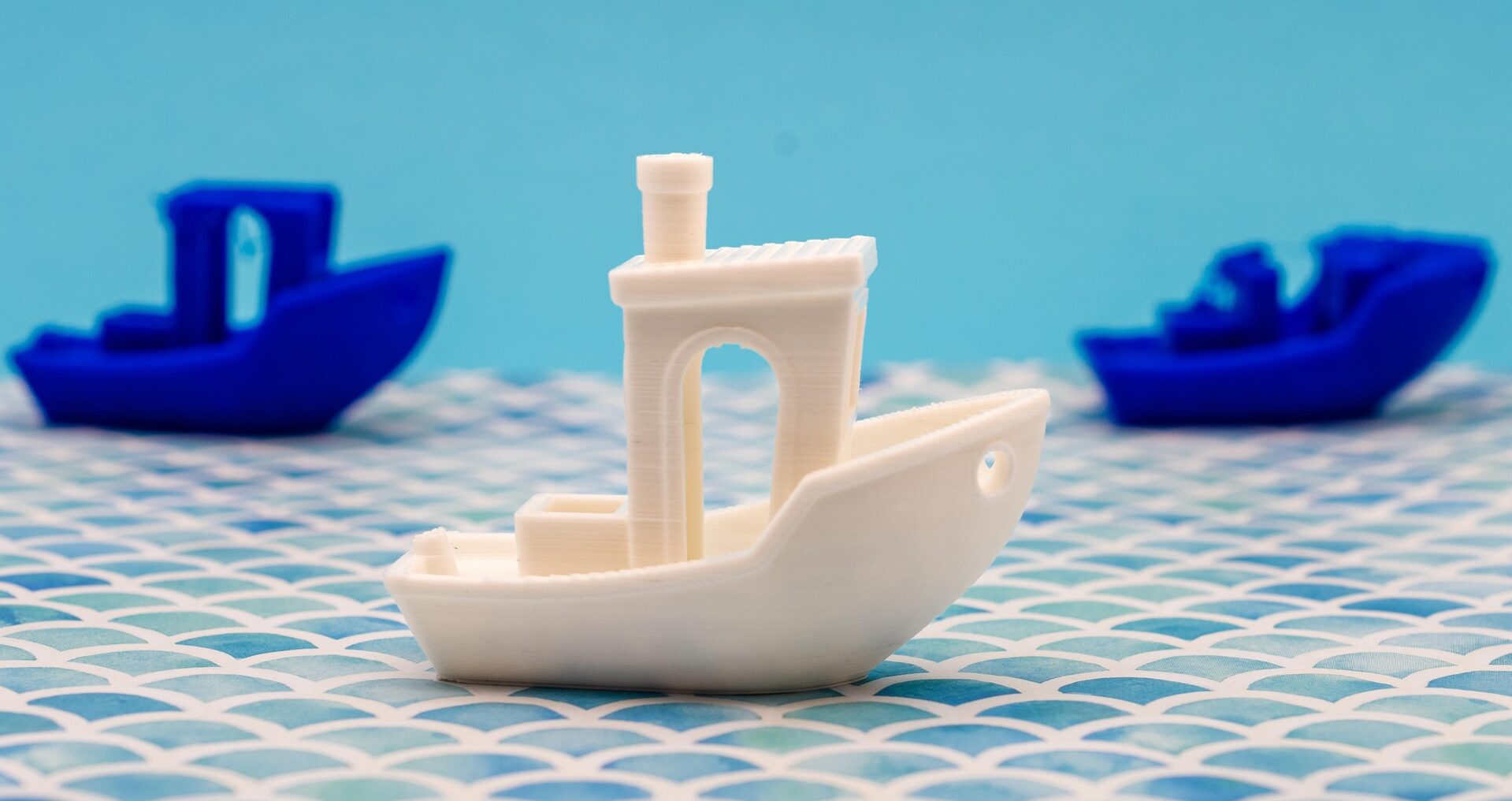
Elephant’s foot is the slight outward flare at the base of a 3D print where the first layer is wider than subsequent layers. It’s common, usually minor, and easy to fix once you understand what causes it. For parts that need precise dimensions at the base or need to fit into other pieces, fixing elephant’s foot is important. For display models, it’s often not worth worrying about.
What Causes Elephant’s Foot
Three main causes: z-offset too low (nozzle too close to bed, squishing the first layer too wide), first layer speed too slow (more heat transfer to the bed, slightly over-extruding), and bed temperature too high for the material (the base stays soft longer and spreads slightly).
Z-offset is the most common cause. If elephant’s foot appears consistently, raise your z-offset by 0.02-0.05mm increments until the base matches the rest of the print in width.
Fixes
For z-offset-caused elephant’s foot: raise z-offset gradually. For bed temperature issues: reduce bed temp by 5°C. For first layer print speed: it should already be slow (25-30mm/s) but confirm fan is off for layer 1 and the bed temperature is not excessive. In Bambu Studio, enabling the first layer inspection camera can help you see exactly what’s happening at the base in real time.
A slight elephant’s foot on a display piece can also be sanded away with 180-grit sandpaper on the base after printing. More first layer settings detail at the first layer calibration guide.
Frequently Asked Questions: Elephant’s Foot in 3D Printing
What is elephant’s foot in 3D printing?
A slight outward bulge at the base of a print where the first layer is wider than the intended dimensions. It occurs when the first layer is compressed more than intended, spreading outward.
Does elephant’s foot matter on display models?
Usually not. Elephant’s foot is most problematic for functional parts that need to fit into other pieces or where the base dimensions are critical. For display models like figurines and decorative pieces, a slight base flare is typically not noticeable or relevant.
How do I fix elephant’s foot in Bambu Studio?
Increase z-offset in small increments (0.02-0.05mm) until the base width matches the print width. Also check that your first layer line width in the slicer settings is set to 100-120% (a wider first layer is intentional for adhesion, but too wide causes elephant’s foot).