
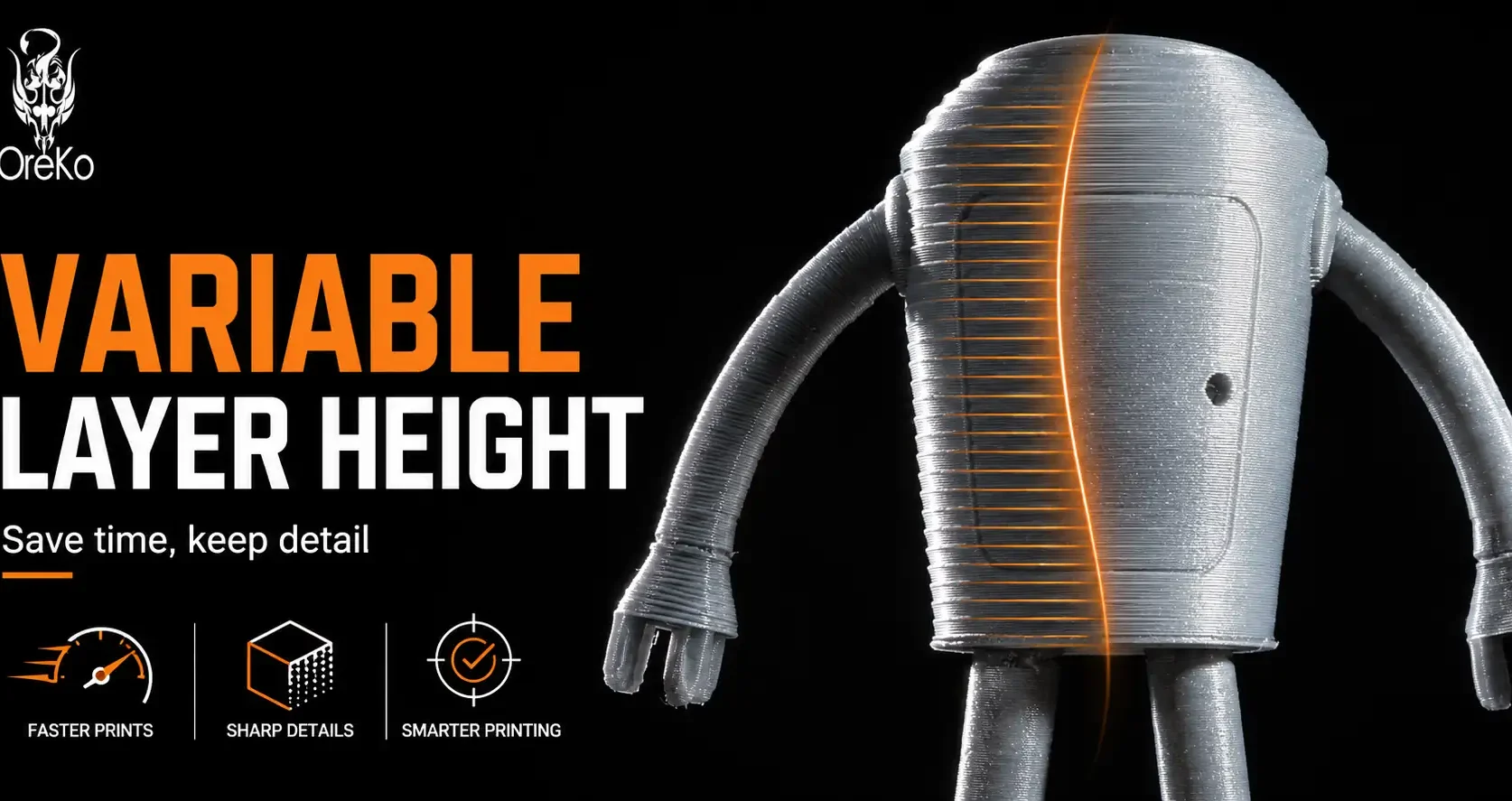
Variable layer height lets your slicer automatically use fine layers where the model has curved or detailed surfaces and coarser layers on flat sections where layer lines aren’t visible anyway. The result is a print that looks like it was printed at a fine layer height throughout, but takes significantly less time because it uses coarser layers wherever they won’t affect visible quality.
How Variable Layer Height Works
When you enable adaptive layer height (the automatic version of variable layer height in Bambu Studio and Orca Slicer), the slicer analyzes the model geometry. On steep curved sections where layer lines would be visible, it automatically uses thin layers (down to your minimum, typically 0.06-0.12mm). On near-vertical flat walls where layer lines aren’t relevant, it uses thicker layers (up to your maximum, typically 0.28-0.32mm). It transitions smoothly between settings.
A typical result: a figurine or cosplay prop that would take 4 hours at uniform 0.12mm takes 2.5-2.8 hours with adaptive layer height at equivalent quality on the curved detailed surfaces. The flat back and base print at 0.2-0.28mm without any visible quality loss.
Manual Variable Layer Height
Both Bambu Studio and Orca Slicer also allow manual variable layer height adjustment, where you drag a layer height curve directly on the model cross-section view. You can specify exactly which height ranges use which layer thickness. This gives more precise control than adaptive for models where you know exactly which sections need fine detail and which don’t.
More on how layer height affects overall quality and print time is at the layer height guide.
Frequently Asked Questions: Variable Layer Height
Does variable layer height actually improve print quality?
It maintains equivalent quality on curved surfaces while reducing time on flat sections. It doesn’t improve quality beyond what fine layers would produce on curved areas, but it makes fine-quality printing practical for larger models by reducing total time.
When should I use variable layer height?
For any model with a mix of curved detailed sections and flat sections: figurines, cosplay props, organic shapes, and architectural models. Less useful for purely geometric objects like deck boxes and functional parts where flat walls dominate.
Is variable layer height the same in Bambu Studio and Orca Slicer?
Both offer adaptive (automatic) and manual variable layer height. The interface differs slightly but the feature is functionally equivalent. Orca Slicer’s manual control interface gives slightly more granular visual control over the layer height curve.