
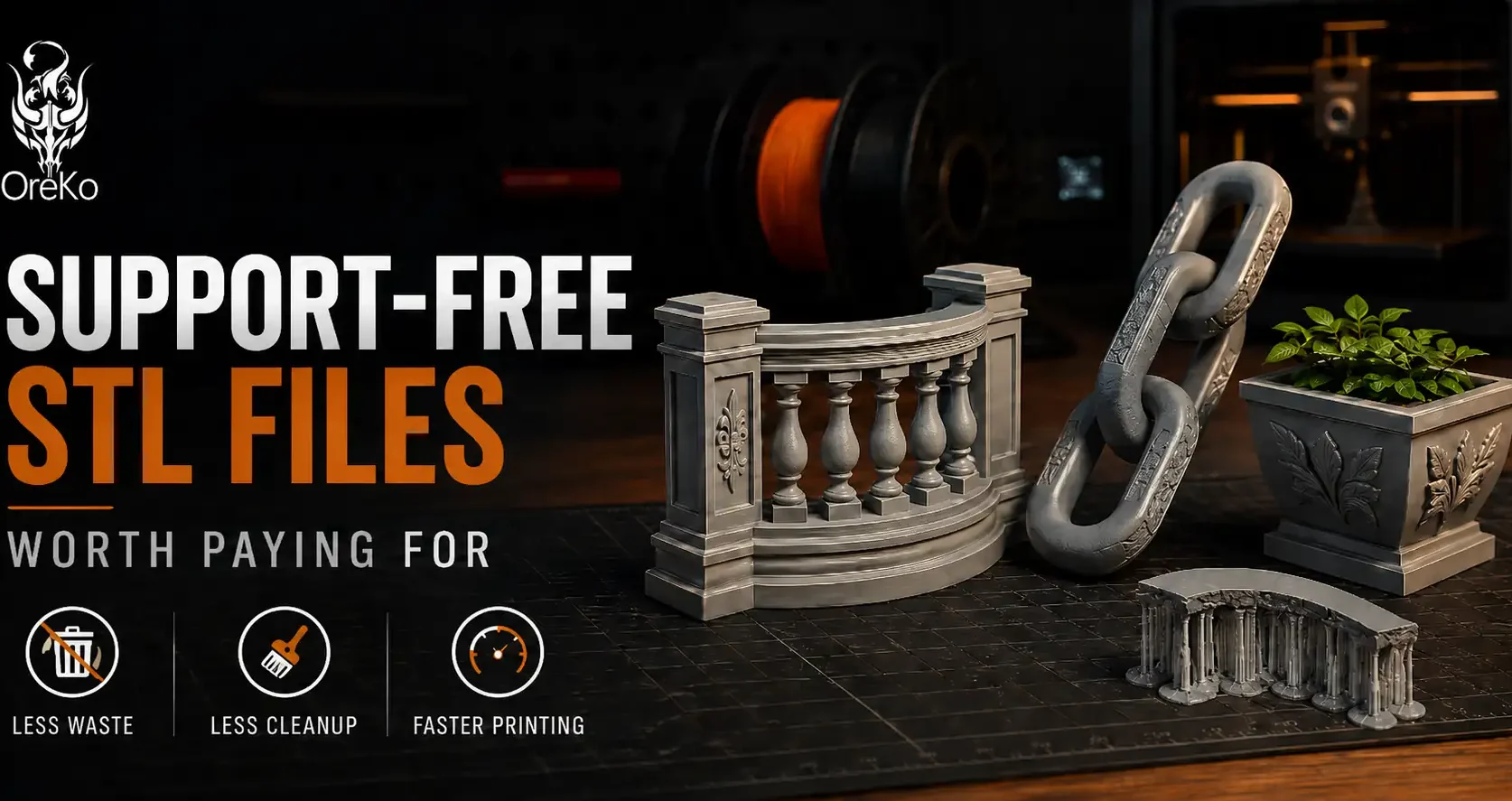
Supports-free STL files are one of the clearest signals of a well-designed file. Not every model can avoid them, but for hobby printing, a file that prints cleanly without supports saves time, materials, and the frustrating post-processing of removing support structures from visible surfaces. Here’s what to look for and why it matters enough to pay for.
What “No Supports Needed” Actually Means
A file marketed as support-free has been designed so that every overhang stays within the printer’s printable range (typically under 45-50 degrees from vertical) or uses bridging for short horizontal spans. The designer has done the geometry work so the slicer doesn’t need to generate scaffolding. This requires real engineering: chamfered undercuts instead of horizontal lips, split orientations that eliminate steep overhangs, and tested print angles.
The difference between a casual design and a support-free engineered design is visible in the print photo. A support-free surface has clean geometry. A supported surface has marks, roughness, or visible contact points where support structures touched the model.
Why Support-Free Files Are Worth Paying For
Support removal on a complex model adds 20-45 minutes of post-processing. It risks surface damage. On intricate cosplay props or detailed dollhouse pieces, support marks require filling and sanding to make invisible. A support-free file eliminates all of that work. Across a full cosplay build with 20-30 pieces, support-free design saves hours.
OreKo designs every model to be support-free on a standard FDM printer. The chain links cosplay prop prints flat with zero supports and assembles into a fully articulating chain. The balcony railing set with its 2mm balusters prints without a single support. This is the design standard worth paying $3-$8 for.
Frequently Asked Questions: Support-Free STL Files
How do I know if a file is truly support-free?
Import it into your slicer with supports turned off and slice it. If the preview shows no warnings and the layer preview looks clean throughout, the file is genuinely support-free. Also check community print photos in the makes section for prints without support marks.
Are all support-free files the same quality?
No. Some files are labeled support-free because the designer printed them at an angle with tree supports and didn’t mention it. True support-free files are support-free in any standard orientation on the print bed without adjustment. Check whether the listing specifies print orientation and whether community print photos show clean undersides.
Can any file be made support-free with clever orientation?
Some can, some can’t. Simple flat geometry is easy to orient support-free. Complex organic shapes with many concave surfaces often require supports regardless of orientation. Genuinely support-free complex models require design-level decisions, not just clever placement in the slicer.