
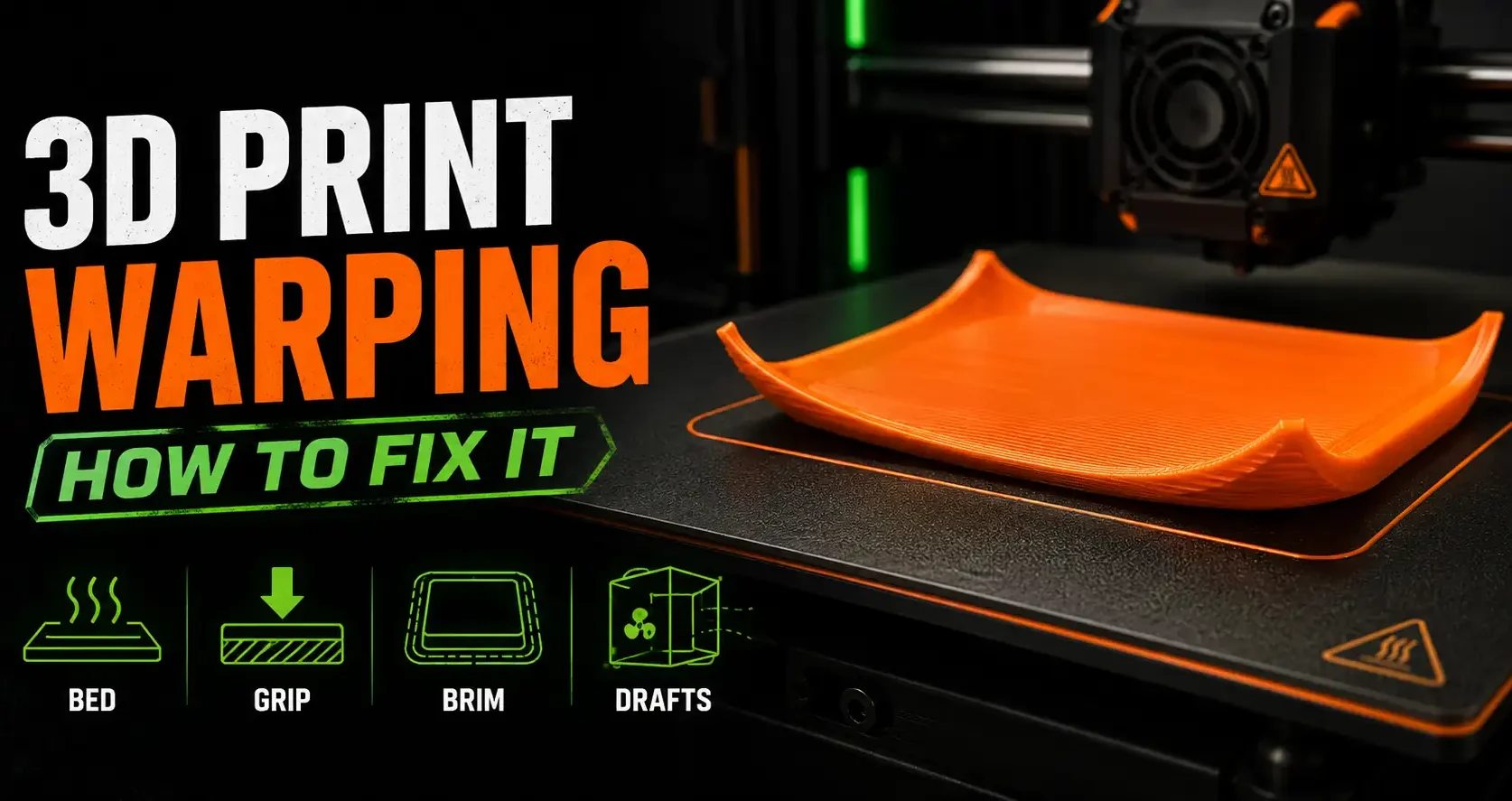
What Warping Is and Why It Happens
Warping is when the corners or edges of a 3D print lift off the build plate during printing. The base of the print peels away from the bed, the part deforms, and in severe cases the print detaches entirely mid-job.
The physics behind it are straightforward. Plastic expands when hot and contracts when it cools. When the bottom layers of a print cool faster than the layers above them, or when the bed adhesion is not strong enough to hold the part flat as it contracts, the edges pull upward. This is warping.
Some materials warp more than others. PLA is the most forgiving. PETG warps moderately and needs a heated bed. ABS and ASA warp severely and require an enclosure to print reliably. Understanding which material you are working with tells you how aggressive the fix needs to be.
Root Causes of Warping
Warping does not have a single cause. It usually results from two or three of these factors combining:
- Bed temperature too low: A heated bed keeps the bottom layers soft and reduces the temperature differential between the base and upper layers. Too cold and the base contracts faster than the print can handle.
- Poor bed adhesion: The print cannot stay flat if it cannot grip the bed surface. Dirty beds, worn PEI, missing adhesion aids, and incorrect first-layer squish all contribute.
- Cooling too aggressive: Part cooling fans are essential for print quality, but cooling the print too fast increases the temperature gradient between layers and worsens warping.
- Large flat footprint: Prints with wide, flat base surfaces and thin cross-sections at the corners are most prone to warping. The corners have the most surface area relative to their attachment, so they lift first.
- Drafts and ambient temperature variation: Cold air from an open window, a door, or an air conditioning vent hitting the print causes sudden uneven cooling and instant warping on almost any material.
Fix 1: Bed Temperature
A heated bed slows how fast the bottom layers cool. For most materials, this is the first adjustment to make.
PLA: 55-65°C. Most PLA prints well at 60°C. If warping persists, try 65°C. Going higher can cause the bottom layers to be too soft and deform under the weight of upper layers.
PETG: 70-80°C. PETG needs more heat to maintain bed adhesion. 75°C is a reliable starting point for most PETG brands.
ABS and ASA: 100-110°C. These materials warp aggressively and require both a hot bed and an enclosure to prevent ambient air from cooling the print unevenly.
Bambu Lab printers: Bambu beds have excellent temperature uniformity and hold temperature well. If you are printing PLA on a Bambu and warping occurs, check whether the first layer is actually adhering (watch the first 3-5 layers) rather than assuming bed temp is the issue.
Fix 2: Bed Adhesion
The bed surface and any adhesion aids you use are the most direct lever on warping. The print cannot lift if it is holding on properly.
PEI spring steel sheet: The most reliable bed surface for PLA, PETG, and many other materials. PLA sticks to textured PEI when hot and releases cleanly when the sheet cools. Wipe with IPA before every print. If adhesion degrades over time, wash with dish soap and water, rinse, and dry completely. PEI has a limited lifespan with abrasive materials.
Glue stick: A thin, even layer of washable glue stick (Elmer’s or equivalent) on a glass or smooth PEI bed adds adhesion for stubborn materials. Works well for PETG, which can be too aggressive and bond permanently to bare PEI without a release layer. Also helps PLA on beds that have lost their grip.
Hairspray: Works similarly to glue stick for bed adhesion on glass beds. Apply a thin, even coat from about 30cm away while the bed is cold. Less predictable than glue stick but widely available.
First layer squish: The first layer must be slightly compressed into the bed surface. If the nozzle is too far away, the first layer does not grip properly and corners lift immediately. Calibrate first layer height until the first lines look slightly flattened, not round.
Fix 3: Print Geometry and Brim
Add a brim: A brim is a flat ring of filament printed around the base of the part. It increases the surface area attached to the bed and holds corners flat during printing. A 5mm brim is usually enough for PLA. A 10-15mm brim for ABS and ASA. Remove the brim after printing with a flush cutter or craft knife.
Draft shield: A draft shield is a single-perimeter wall printed around the entire part, separated by a small gap. It protects the print from air currents and keeps ambient temperature around the print more stable. Enable it in PrusaSlicer or the equivalent feature in your slicer for ABS and ASA prints.
Reduce part cooling fan: For large flat parts in PLA, reducing the part cooling fan from 100% to 40-60% during the first 5-10 layers slows the cooling rate and reduces warping. After those layers are down, return the fan to full speed for the rest of the print.
Split large flat prints: If a print has a very wide flat base and keeps warping despite all other fixes, consider splitting it into smaller pieces and assembling after printing. Smaller footprints warp less. For OreKo deck boxes on very large formats, printing the base and lid separately is always an option.
Material-Specific Warping Guide
| Material | Warp Risk | Bed Temp | Key Fix |
| PLA | Low | 55-65°C | First layer adhesion, no drafts |
| Matte PLA | Low | 55-65°C | Same as standard PLA |
| PETG | Moderate | 70-80°C | Glue stick on PEI, reduce cooling |
| ABS | High | 100-110°C | Enclosure required, large brim |
| ASA | High | 100-110°C | Enclosure required, large brim |
| TPU | Very Low | 30-60°C | Minimal intervention needed |
Frequently Asked Questions: 3D Print Warping
Why is my PLA print warping even with a heated bed?
PLA warping with a heated bed usually points to bed adhesion rather than temperature. Check first layer squish, clean the bed surface with IPA, and verify the bed is level and there are no low spots under the warping area. A draft from an air vent or open window can also override bed temperature and cause warping in PLA.
Does a brim actually stop warping?
Yes, in most cases. A brim holds corners physically flat by extending the bonded surface area. It does not address the root cause (temperature differential) but it is often enough to prevent lift on PLA and PETG. For ABS and ASA, a brim helps but an enclosure is also required.
My print warps in the middle of the print, not just the corners. Why?
Warping mid-print usually means the print detached from the bed early and is shifting. Check that the first layer is actually bonded before leaving the printer. Mid-print delamination between layers (rather than from the bed) points to insufficient layer bonding from temperature too low or print speed too fast for the hotend.
Does lowering print speed help with warping?
It can help indirectly. Slower print speed gives each layer slightly more time at temperature before cooling, which reduces the temperature differential between layers. However, speed is a secondary factor. Bed adhesion and ambient temperature control have a much larger impact on warping.
Why does ABS warp so much more than PLA?
ABS has a much higher coefficient of thermal expansion than PLA. It changes volume more per degree of temperature change, so the forces generated as it cools are much larger. ABS also requires higher printing temperatures (230-240°C) which makes the temperature differential between the hot upper layers and cooling lower layers much greater than with PLA.