
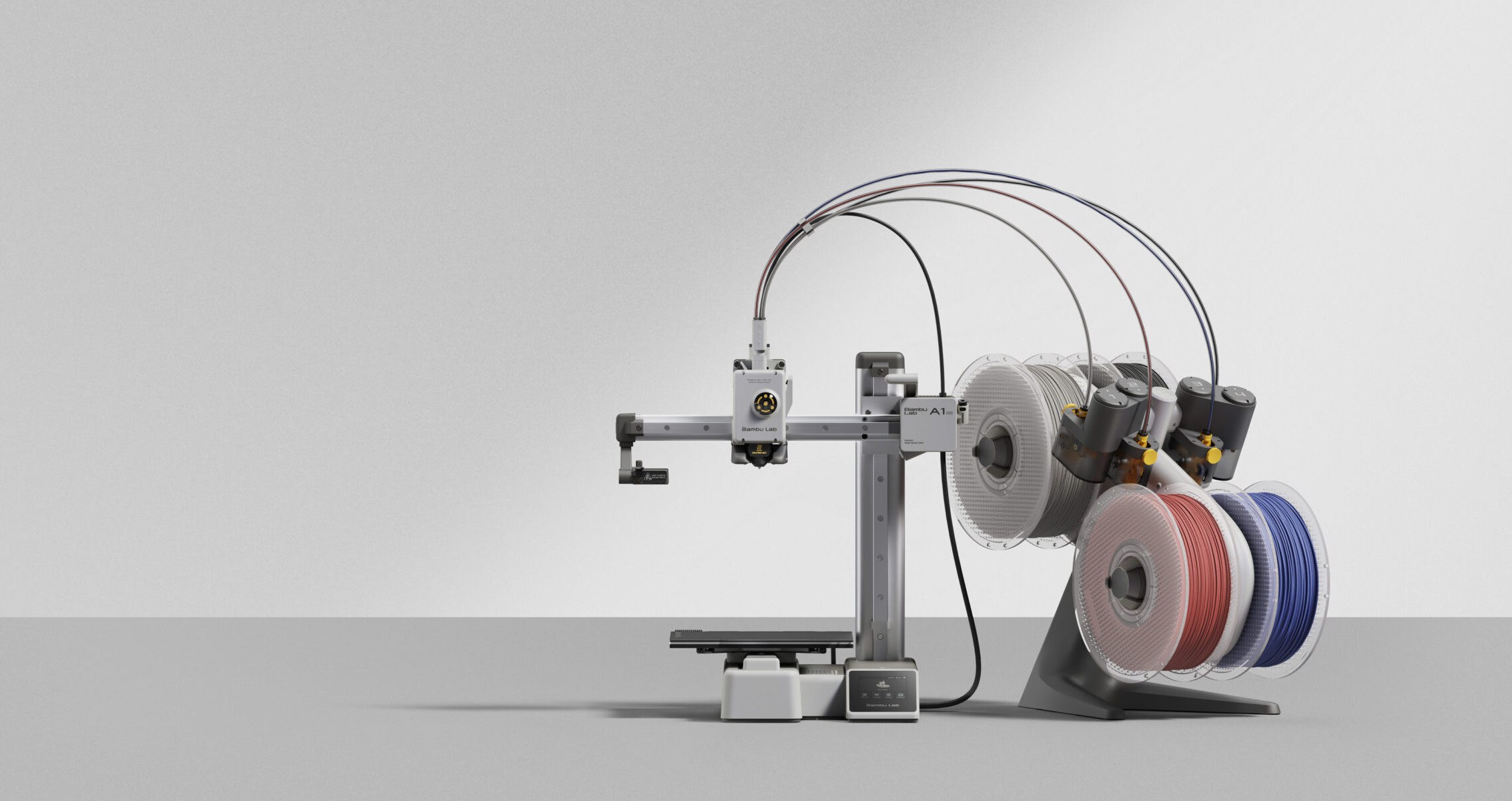
The Printer That Makes 3D Printing Actually Easy
If you have been on the fence about buying a 3D printer because you are not sure you want to deal with calibration, bed leveling, and hours of troubleshooting, the Bambu Lab A1 Mini is the machine that removes every one of those objections.
At $299 standalone or $449 as a Combo with the AMS Lite for four-color printing, it is the most accessible entry point into the Bambu Lab ecosystem and the best beginner 3D printer on the market right now.
Key Specs
| Spec | A1 Mini |
| Build Volume | 180 x 180 x 180mm |
| Max Print Speed | 500mm/s |
| Max Hotend Temp | 300°C |
| Max Bed Temp | 80°C |
| Enclosure | No (open frame) |
| Multi-Color | Up to 4 colors (AMS Lite) |
| Noise Level | ~49dB (silent mode) |
| Connectivity | WiFi, LAN, MicroSD |
| Price | $299 standalone / $449 Combo |
What Makes It Special
The A1 Mini does something no budget printer has ever done: it removes the learning curve entirely. Full auto-calibration before every print, automatic first-layer adjustment, nozzle pressure sensing, and vibration compensation all run without any input from you. You unbox it, connect to WiFi, load filament, and print.
For beginners, that matters enormously. The biggest barrier to enjoying 3D printing has always been the first 10-20 hours spent fighting calibration instead of actually printing things. The A1 Mini skips that entirely.
For experienced makers, the A1 Mini earns its place as a reliable workhorse for small prints. Deck box caps, miniature detail pieces, coins, keychains, and small functional parts are all squarely in its wheelhouse. The 180mm cube build volume handles the vast majority of what most hobbyists print day to day.
What It Does Well
Auto-calibration that actually works. The A1 Mini uses a high-resolution eddy current sensor to measure nozzle pressure and calibrate the first layer automatically. It is not a gimmick. First layers come out flat and consistent every single time without touching a single setting.
Quiet operation. At 49dB in silent mode the A1 Mini is noticeably quiet. It runs comfortably in a bedroom, living room, or office without being intrusive. For comparison, a normal conversation is around 60dB.
Speed. 500mm/s maximum print speed puts the A1 Mini in the same performance tier as machines that cost three times as much just three years ago. Standard print profiles run around 150-200mm/s and produce excellent quality.
Multi-color with AMS Lite. The Combo version includes the AMS Lite which handles up to 4 filament colors automatically. For OreKo-style deck box logo caps, two-color printing is effortless: load your base color and cap color, open the 3MF file, and print.
Where It Has Limits
Build volume. 180 x 180 x 180mm is the main constraint. You cannot print a full Commander deck box in one piece. Large dollhouse body pieces, helmets, and anything over about 7 inches in any dimension requires splitting the model or stepping up to the full A1.
No enclosure. The A1 Mini is an open-frame printer. ABS, ASA, and other temperature-sensitive engineering filaments are not recommended because the open design cannot maintain a stable chamber temperature. For PLA and PETG printing, which covers the vast majority of hobbyist use, this is not a limitation at all.
One AMS Lite maximum. You are capped at 4 colors. If you want 8 or 16 color prints, you need a printer that supports multiple AMS units.
Printing OreKo Models on the A1 Mini
The A1 Mini handles the entire OreKo catalog with one exception: larger body pieces on the MTG Commander deck boxes push the 180mm build volume limit. Every other OreKo model — miniature windows, refrigerator components printed as separate parts, deck box caps, coins, mold frames, and door signs — fits comfortably on the 180mm build plate.
For the Bambu Studio 3MF files included with OreKo deck maker sets, open the file in Bambu Studio, select the A1 Mini as your printer, and the slicer will flag any parts that exceed the build volume. Plates are already set up. Simply assign your two filament colors to the AMS Lite slots and print.
Who Should Buy the A1 Mini
- Complete beginners who want a printer that just works out of the box
- Hobbyists with limited desk space who primarily print small objects
- TCG players who want to print deck box caps, coins, and accessories
- Dollhouse builders working on miniature-scale pieces
- Anyone who wants multi-color printing at an accessible price point
- Makers who want a second printer dedicated to small detailed prints
Who Should Buy Something Else
- Makers who regularly print large objects over 180mm in any dimension
- Anyone who needs to print ABS, ASA, PC, or PA filaments reliably
- Users who want more than 4-color multi-material printing
- Professionals who need an enclosed chamber for consistent results on engineering materials
For those use cases, the Bambu Lab A1 (full size), P1S, or P2S are the better starting points.