
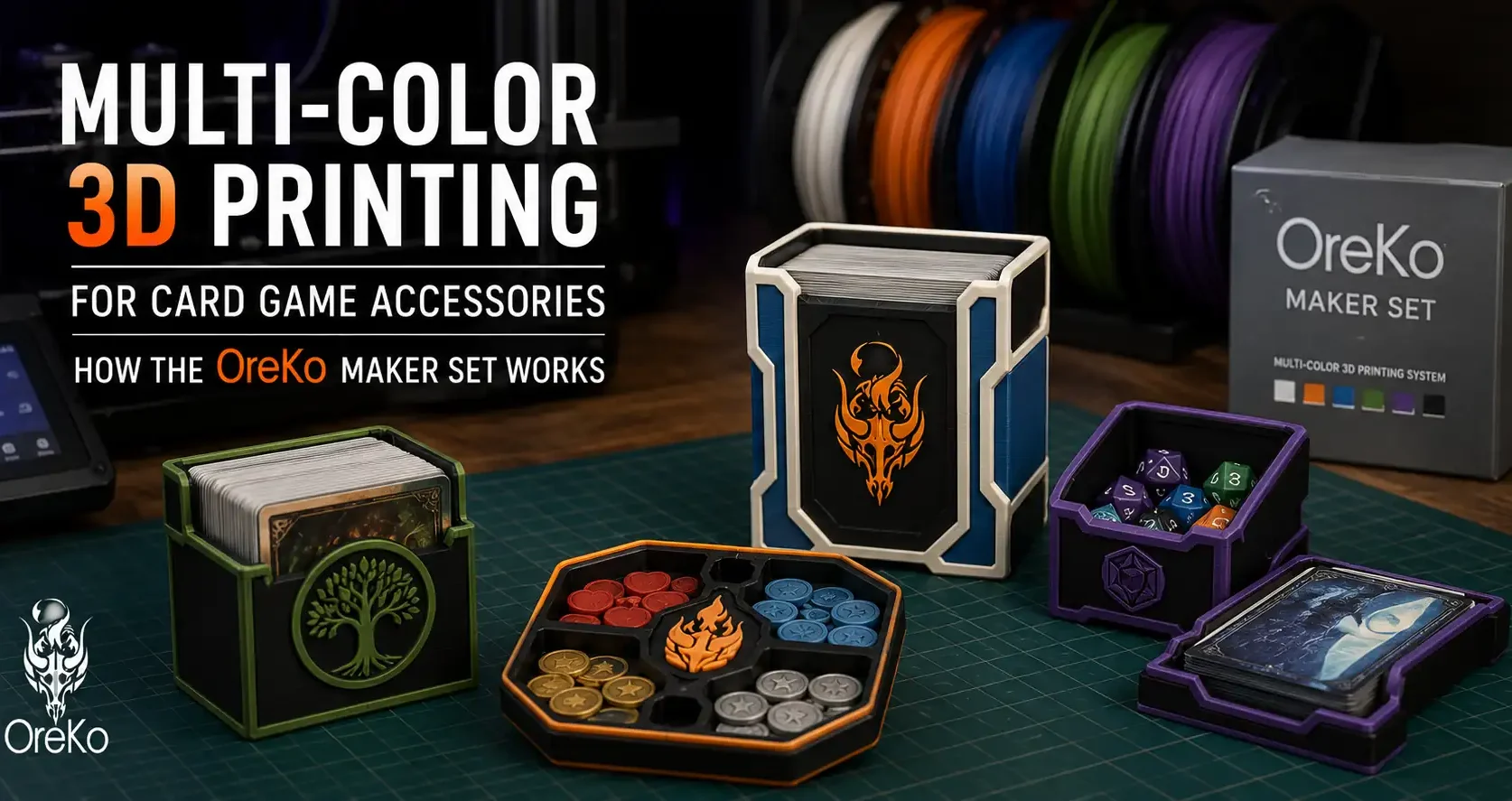
How Multi-Color 3D Printing Works
A single-color deck box looks good. A two-color deck box where the Jolly Roger skull is a crisp white against a black base looks excellent. Multi-color printing is what takes card game accessories from functional to display-worthy.
There are two main approaches: using a multi-filament system like the Bambu AMS to switch filaments automatically mid-print, or printing components in separate colors and assembling them. The OreKo maker set supports both approaches.
Method 1: Bambu AMS (Automatic)
The Bambu Lab AMS (Automatic Material System) is a multi-spool unit that connects to Bambu Lab printers. It holds up to four filament spools and switches between them automatically during a print job based on color assignments in the 3MF file.
For OreKo deck boxes, the AMS workflow is:
1. Open the 3MF file in Bambu Studio
2. Color assignments are pre-configured: slot 1 = box body, slot 2 = logo artwork
3. Load your chosen colors into the AMS
4. Slice and print
The AMS handles the filament switch automatically. The result is a fully integrated two-color print with no assembly required.
Note: The AMS produces filament waste during color changes (the purge block). This is normal and the 3MF files account for it.
Method 2: Separate Parts (Any Printer)
If you do not have an AMS, you can still get a two-color result on any FDM printer by printing the box body and the logo cap as separate pieces in different colors.
Most OreKo deck boxes are designed with this in mind. The logo cap is a separate STL file that presses or snaps onto the box body. Print the box in your base color, print the cap in your logo color, and assemble.
This method works on every printer, costs nothing extra, and gives you the flexibility to print multiple caps in different colors without reprinting the base each time. It is the more versatile option for people who want to build a collection of swappable logo caps.
Choosing Your Color Combination
Color contrast between box and logo cap makes the biggest visual difference. Some combinations that work particularly well:
Black + White: The most versatile. Works for every One Piece logo and every MTG theme. Clean, legible, professional.
Black + Gold (yellow): Premium look that suits Luffy’s Gear 5 and MTG’s gold card themes.
Navy + Silver: Excellent for Commander decks with a refined aesthetic.
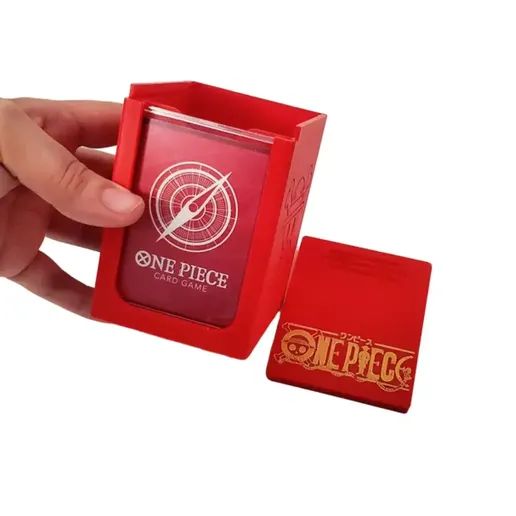
Red + Black: Classic One Piece Straw Hat crew colors. The Jolly Roger in black on a red base is striking.
White + Any single color: Lets the logo color be the visual focus with a clean neutral background.