
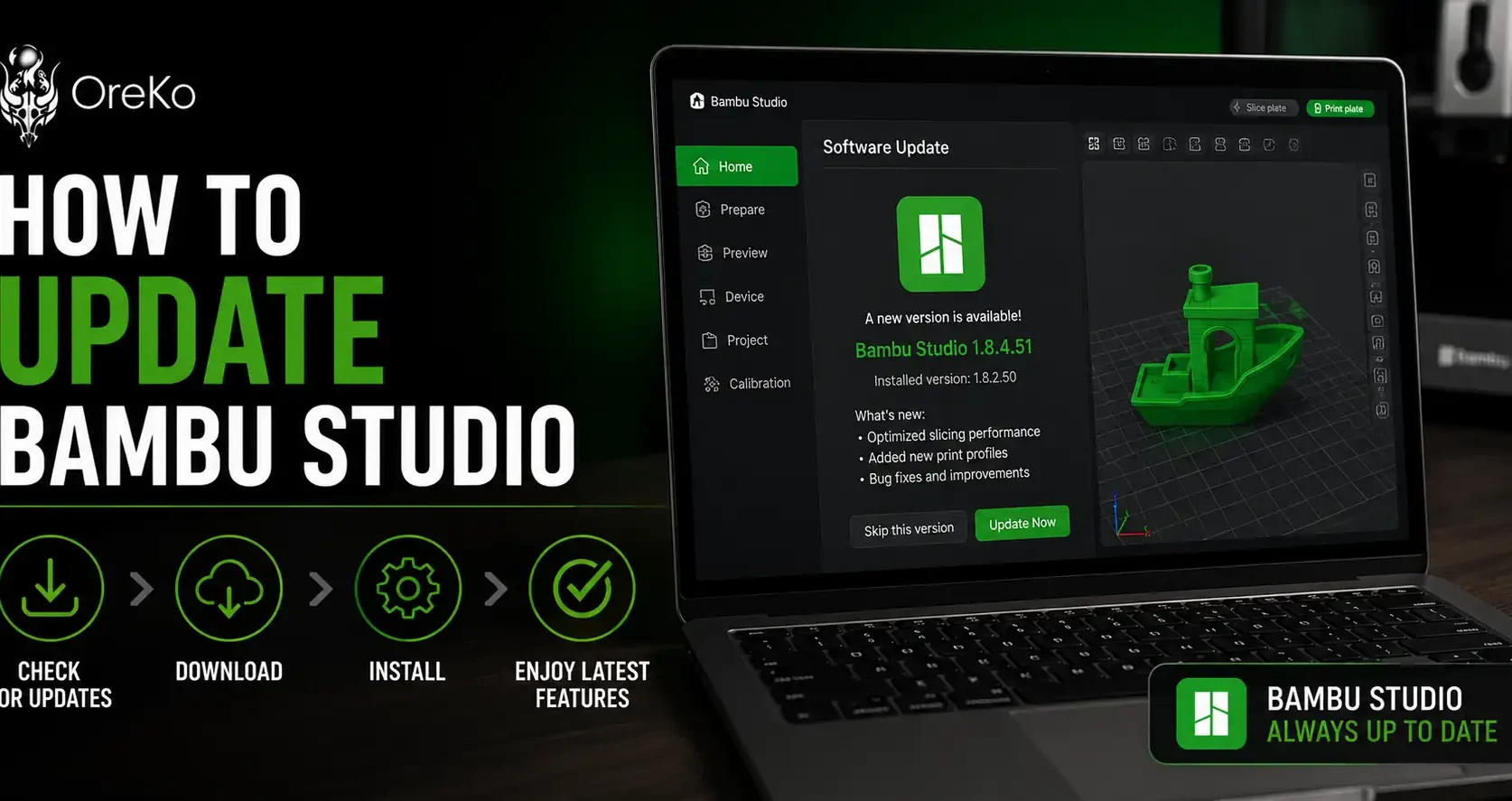
Why Keeping Bambu Studio Current Matters
Bambu Studio updates add new filament profiles, fix slicing bugs, and sometimes add printer support. More importantly, certain firmware updates for your printer require a minimum Studio version to work. If you skip Studio updates long enough, your printer firmware and your slicer can get out of sync and cause connection errors.
The current public release is V2.6.0. Here are the two ways to get there.
Method 1: Update From Inside the App
This is the most common way and works on Windows and Mac.
- Open Bambu Studio
- Click Help in the top menu bar
- Click Check for Updates
- If a newer version is available, you will see a prompt to download and install it
- Click through the installer and restart Studio when it finishes
Bambu Studio also checks for updates automatically when you launch it. If a new version is ready, a notification appears near the top of the window. You can update from there without going into the Help menu at all.
Method 2: Download Manually From Bambu Lab
If the in-app updater is not working, or if you want to install a specific version, download directly from the source.
- Go to bambulab.com/download/studio
- Select your operating system (Windows, Mac, or Linux)
- Download the installer
- Run it — it installs over your existing version and keeps your profiles and settings
If you want to try the beta before the public release, Bambu posts beta builds on their GitHub releases page. The V2.6.1 beta (April 2026) introduced the Filament Manager, which tracks spool usage and syncs across Studio and Bambu Handy. Beta versions install alongside your stable version rather than replacing it.
How to Check Your Current Version
Not sure what version you are running? Open Studio, click Help, then About. The version number is listed there. Compare it against the current release on the Bambu Lab download page.
One Thing Worth Knowing
Always update Bambu Studio before updating your printer firmware. Some firmware versions require a minimum Studio version to communicate correctly. Updating Studio first takes that variable off the table. If you skip this and update firmware first, you may hit MQTT connection errors that require a Studio reinstall to fix.
For a full breakdown of the A1 Mini and how it fits into the Bambu ecosystem, read the Bambu Lab A1 Mini review. If you are deciding between the AMS and AMS Lite for multi-color printing, the AMS vs AMS Lite comparison covers the compatibility differences that most guides miss.