
how-to-fix-stringing-in-3d-prints

How to Fix Stringing in 3D Prints

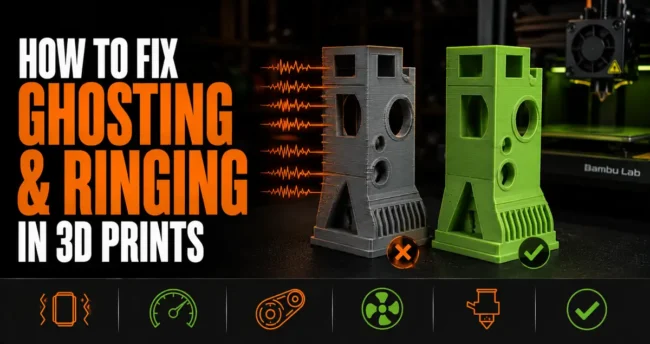
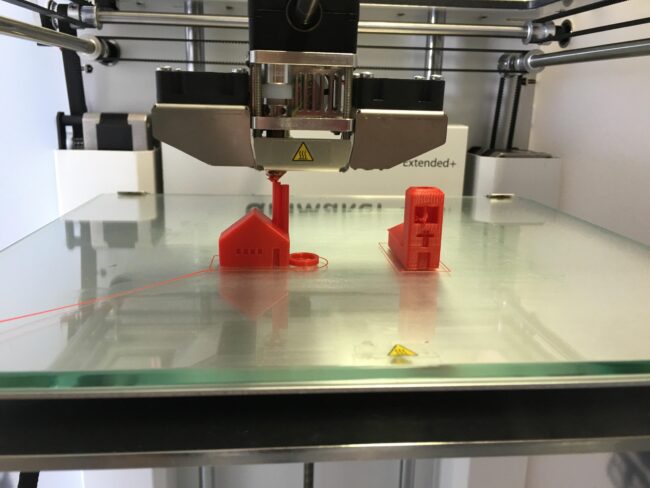
What Stringing Is and Why It Happens Stringing is the thin threads of filament left between parts of a print when the nozzle travels across an open gap. The nozzle moves from one section to another, and instead of leaving nothing behind, it drags a fine strand of melted plastic across the gap. On a…

the-complete-3d-printing-glossary-every-term-explained

The Complete 3D Printing Glossary: Every Term Explained

3D printing has its own vocabulary and most beginner guides assume you already know it. This glossary covers every term you’ll encounter in the first few months of printing, defined plainly without unnecessary jargon. Bookmark it and refer back when a tutorial mentions something unfamiliar. Essential 3D Printing Terms A-G AMS (Automatic Material System): Bambu…

how-to-organise-and-store-your-stl-files

How to Organise and Store Your STL Files

A few months into 3D printing, most makers have a Downloads folder full of STL files with names like “thing-2345678.stl” that they can’t find when they want them. An organised file library lets you find any model in 30 seconds, know which settings you used last time, and avoid reprinting something you’ve already printed and…